> ## Documentation Index
> Fetch the complete documentation index at: https://docs.crafter.net.tr/llms.txt
> Use this file to discover all available pages before exploring further.
# Forum Moderation
> Review pending submissions, approve clean topics, and filter spam in the moderation queue.
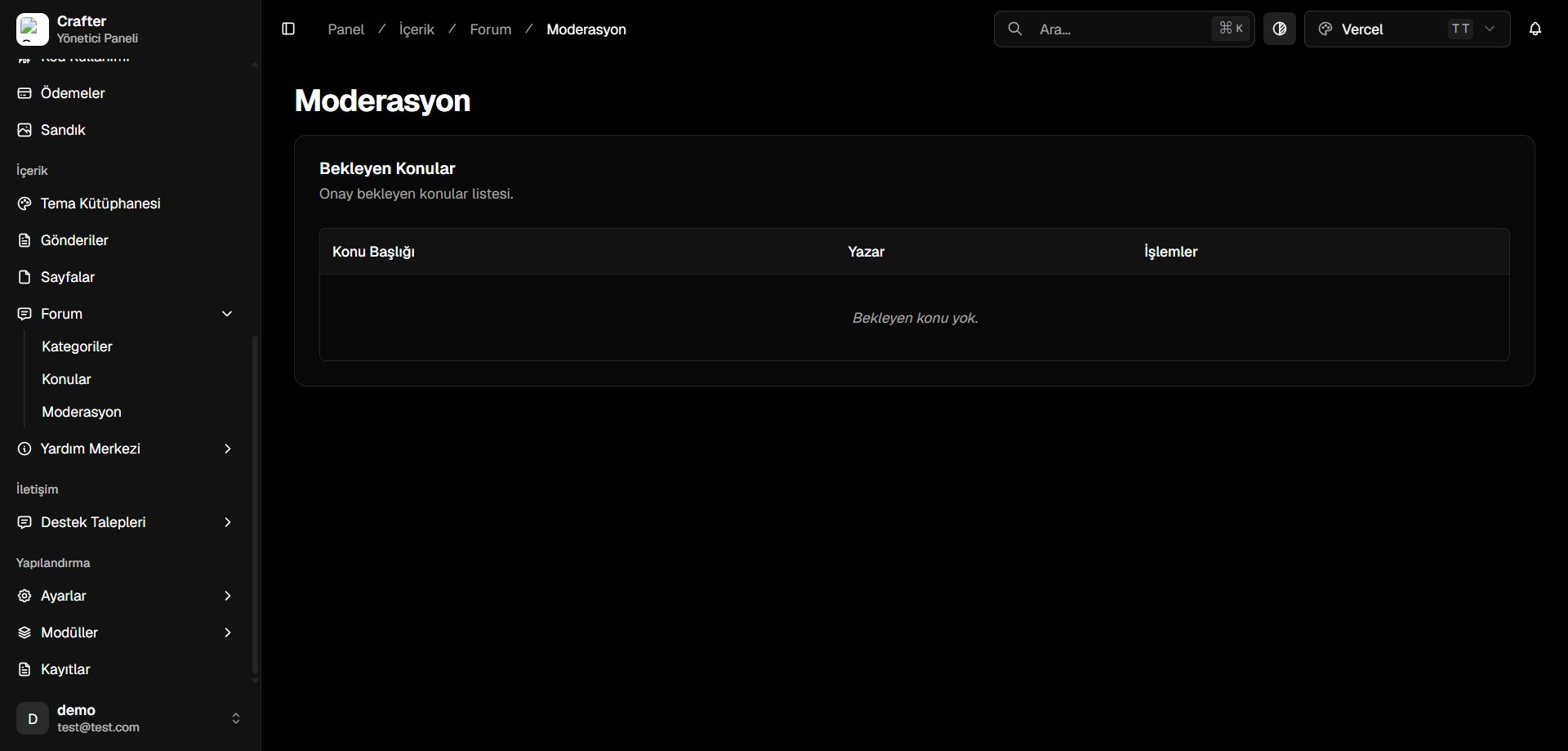
The Crafter Forum Moderation module allows your staff team to pre-screen player submissions before they are published publicly on your community boards.
Navigate to [Dashboard > Content > Forum > Moderation](https://app.crafter.net.tr/tr/dashboard/content/forum/moderation) to view the moderation queue.
 ***
## Moderation Queue Elements
* **Topic Title & Content:** Submission preview and target forum category.
* **Author:** Submitting user account.
* **Actions:** **Approve** (instantly publish) or **Reject** (discard submission).
***
## Moderation Queue Elements
* **Topic Title & Content:** Submission preview and target forum category.
* **Author:** Submitting user account.
* **Actions:** **Approve** (instantly publish) or **Reject** (discard submission).