> ## Documentation Index
> Fetch the complete documentation index at: https://docs.crafter.net.tr/llms.txt
> Use this file to discover all available pages before exploring further.
# Forum Topics
> View community discussion threads, lock topics, pin announcements, and moderate replies.
The Crafter Forum Topics module allows you to oversee all community conversations, lock controversial debates, pin critical announcements, and reorganize threads.
Navigate to [Dashboard > Content > Forum > Topics](https://app.crafter.net.tr/tr/dashboard/content/forum/topics) to moderate forum threads.
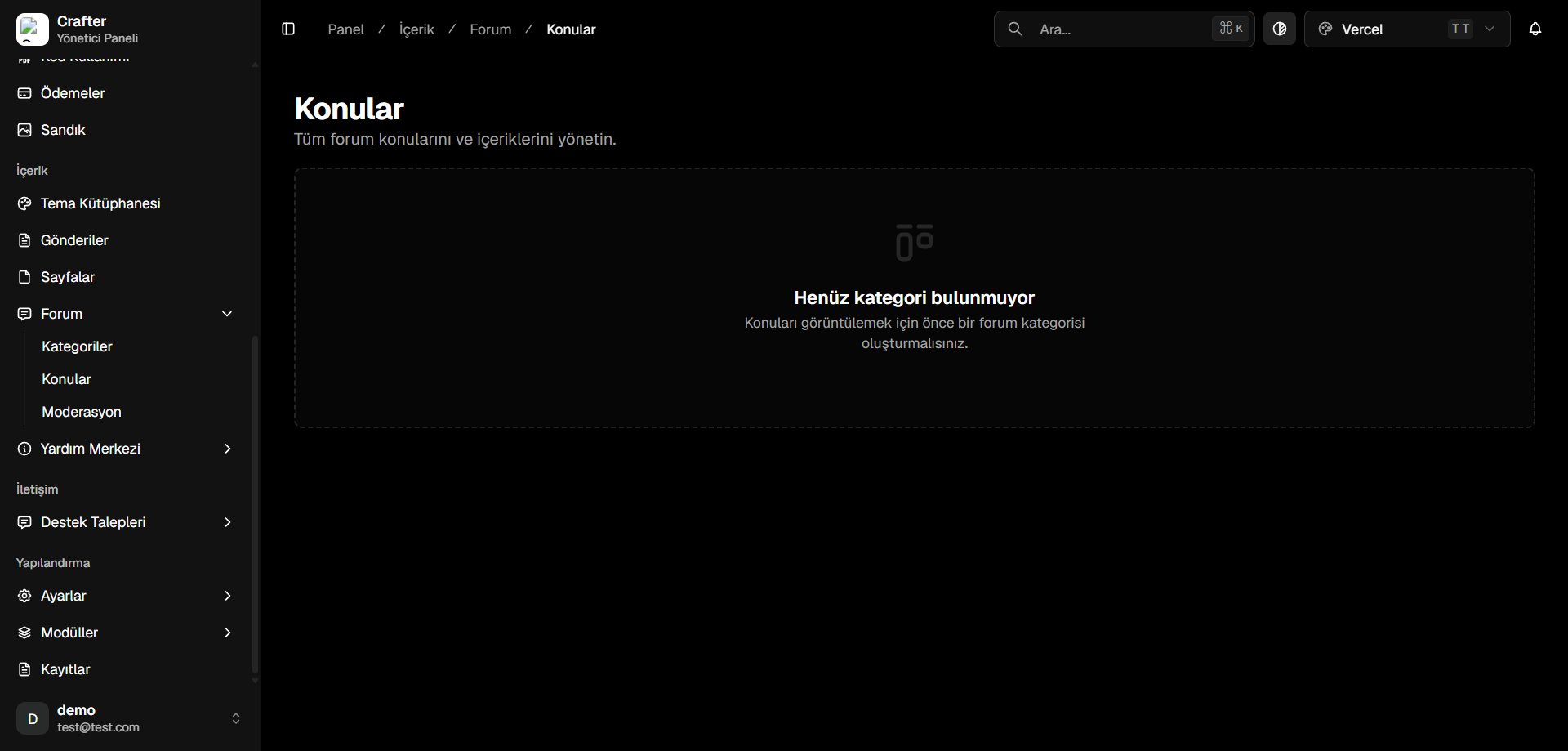 ***
**Prerequisite:** You must have at least one **Forum Category** created before topics can be listed and published. Configure categories on the [Forum Categories](/en/web-features/content/forum/categories) page.
***
## Moderation Actions
* **Review & Edit:** Correct typos, format markdown, or remove rule-breaking text.
* **Lock Topic:** Prevent further player replies on resolved or contested discussions.
* **Pin Topic:** Affix critical guides, server rules, or major announcements to the top of a category.
* **Move Category:** Transfer miscategorized threads into appropriate forum sections.
* **Delete Topic:** Permanently purge spam or toxic posts.
***
**Prerequisite:** You must have at least one **Forum Category** created before topics can be listed and published. Configure categories on the [Forum Categories](/en/web-features/content/forum/categories) page.
***
## Moderation Actions
* **Review & Edit:** Correct typos, format markdown, or remove rule-breaking text.
* **Lock Topic:** Prevent further player replies on resolved or contested discussions.
* **Pin Topic:** Affix critical guides, server rules, or major announcements to the top of a category.
* **Move Category:** Transfer miscategorized threads into appropriate forum sections.
* **Delete Topic:** Permanently purge spam or toxic posts.