> ## Documentation Index
> Fetch the complete documentation index at: https://docs.crafter.net.tr/llms.txt
> Use this file to discover all available pages before exploring further.
# Knowledge Base Articles
> Author self-help articles, assign categories, and enable FAQ highlights.
The Crafter Knowledge Base Articles module enables you to provide detailed walkthroughs, account recovery guides, and technical tutorials to reduce support ticket volumes.
Navigate to [Dashboard > Content > Help Center > Articles](https://app.crafter.net.tr/tr/dashboard/content/help-center/articles) to manage articles.
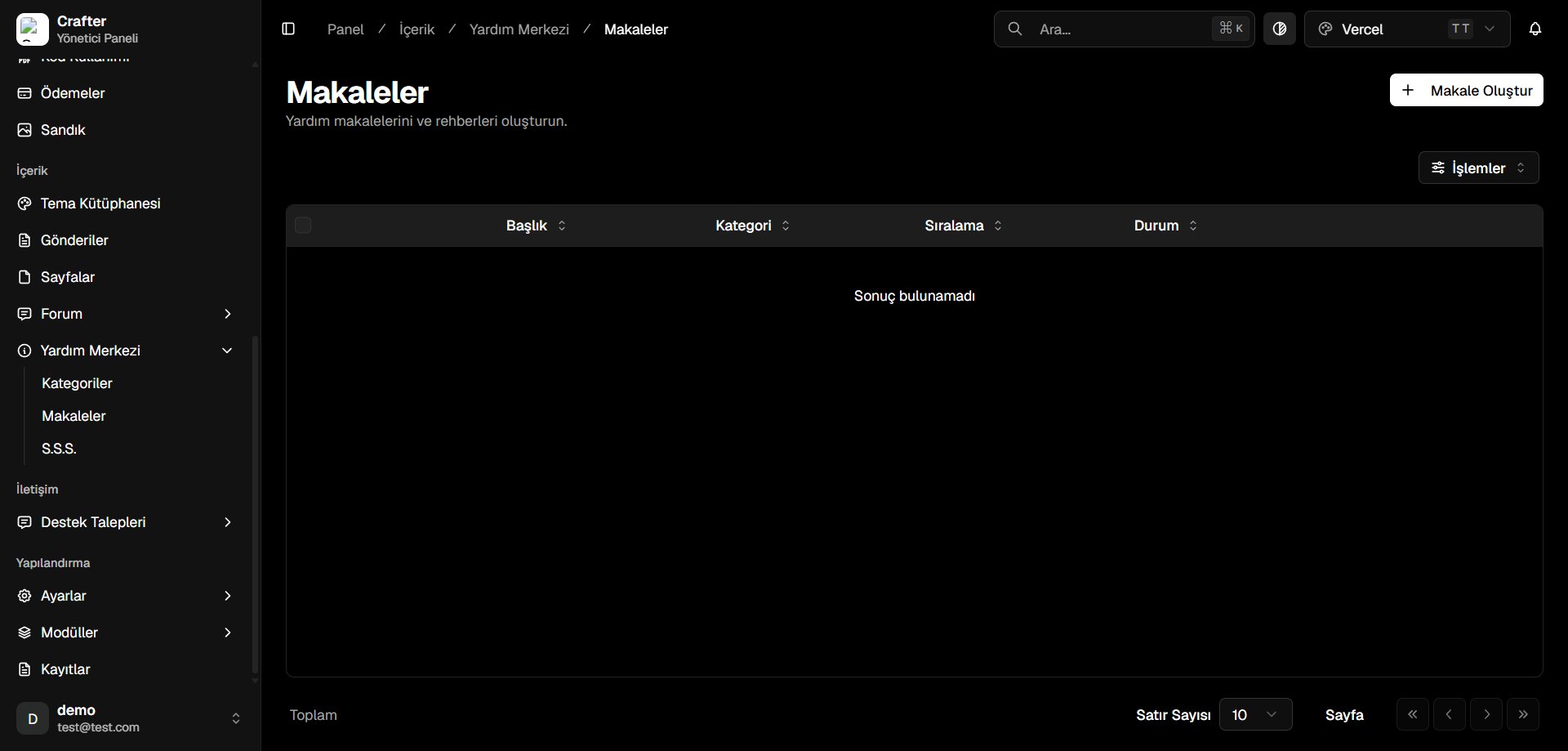 ***
## Article Attributes & Management
* **Title:** Headline and question prompt.
* **Category:** Assigned parent knowledge base category.
* **Sort Order:** Numerical display rank within the category.
* **Status:** Published or Draft.
***
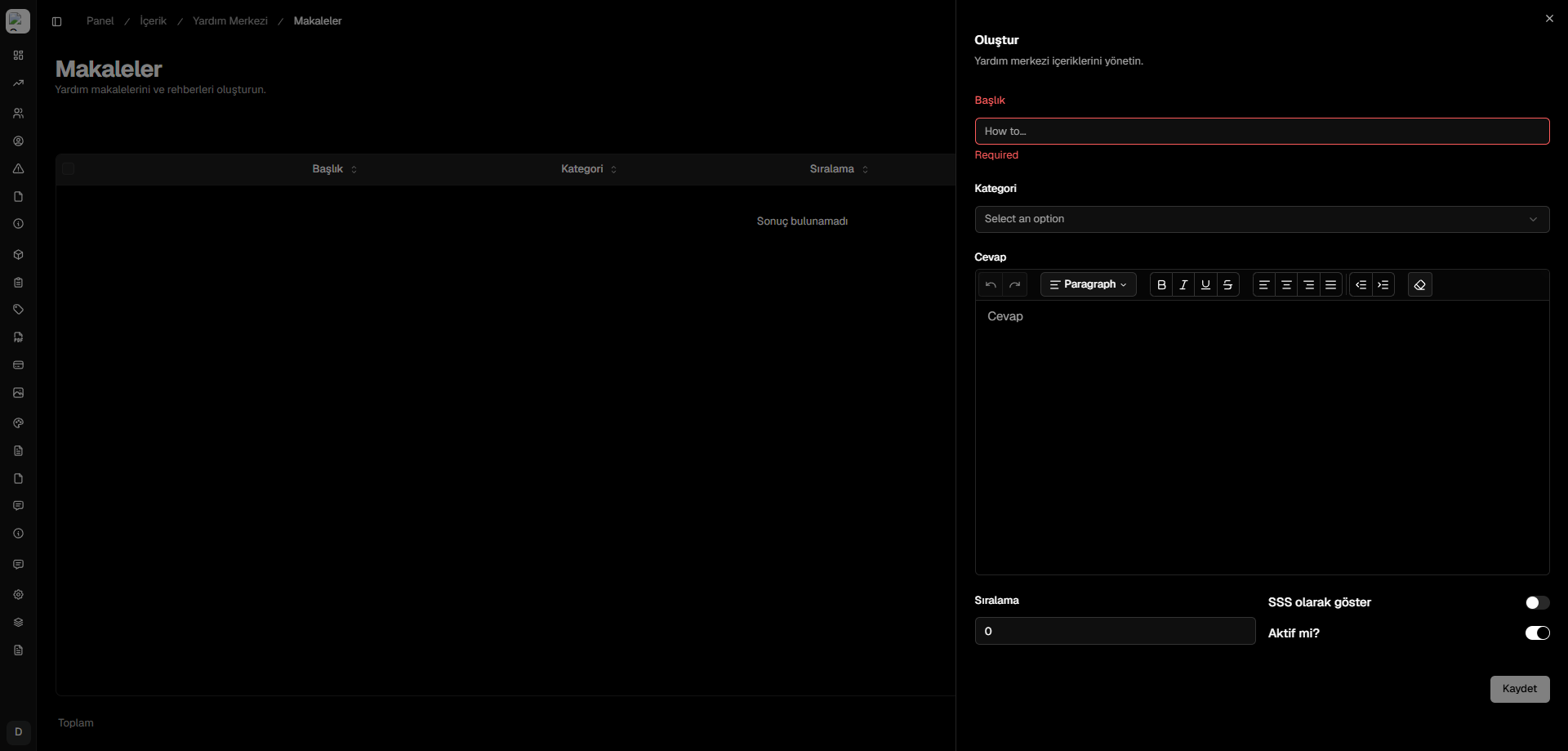
## Creating an Article
Click **+ Create Article** in the top right corner.
* **Title:** Headline (e.g., *How to Secure Your Account with 2FA*).
* **Category:** Select from the category dropdown.
* **Answer:** Rich text formatted walkthrough with code blocks, links, and step-by-step instructions.
* **Show in FAQ:** Toggle to feature this article on the quick FAQ section.
* **Active:** Publish status.
Click **Save** to publish.
***
## Article Attributes & Management
* **Title:** Headline and question prompt.
* **Category:** Assigned parent knowledge base category.
* **Sort Order:** Numerical display rank within the category.
* **Status:** Published or Draft.
***
## Creating an Article
Click **+ Create Article** in the top right corner.
* **Title:** Headline (e.g., *How to Secure Your Account with 2FA*).
* **Category:** Select from the category dropdown.
* **Answer:** Rich text formatted walkthrough with code blocks, links, and step-by-step instructions.
* **Show in FAQ:** Toggle to feature this article on the quick FAQ section.
* **Active:** Publish status.
Click **Save** to publish.