> ## Documentation Index
> Fetch the complete documentation index at: https://docs.crafter.net.tr/llms.txt
> Use this file to discover all available pages before exploring further.
# Frequently Asked Questions (FAQ)
> Create quick question-and-answer accordions, organize priority ranks, and manage publishing.
The Crafter FAQ module enables you to address common player questions about store deliveries, rules, ranks, and server connection issues.
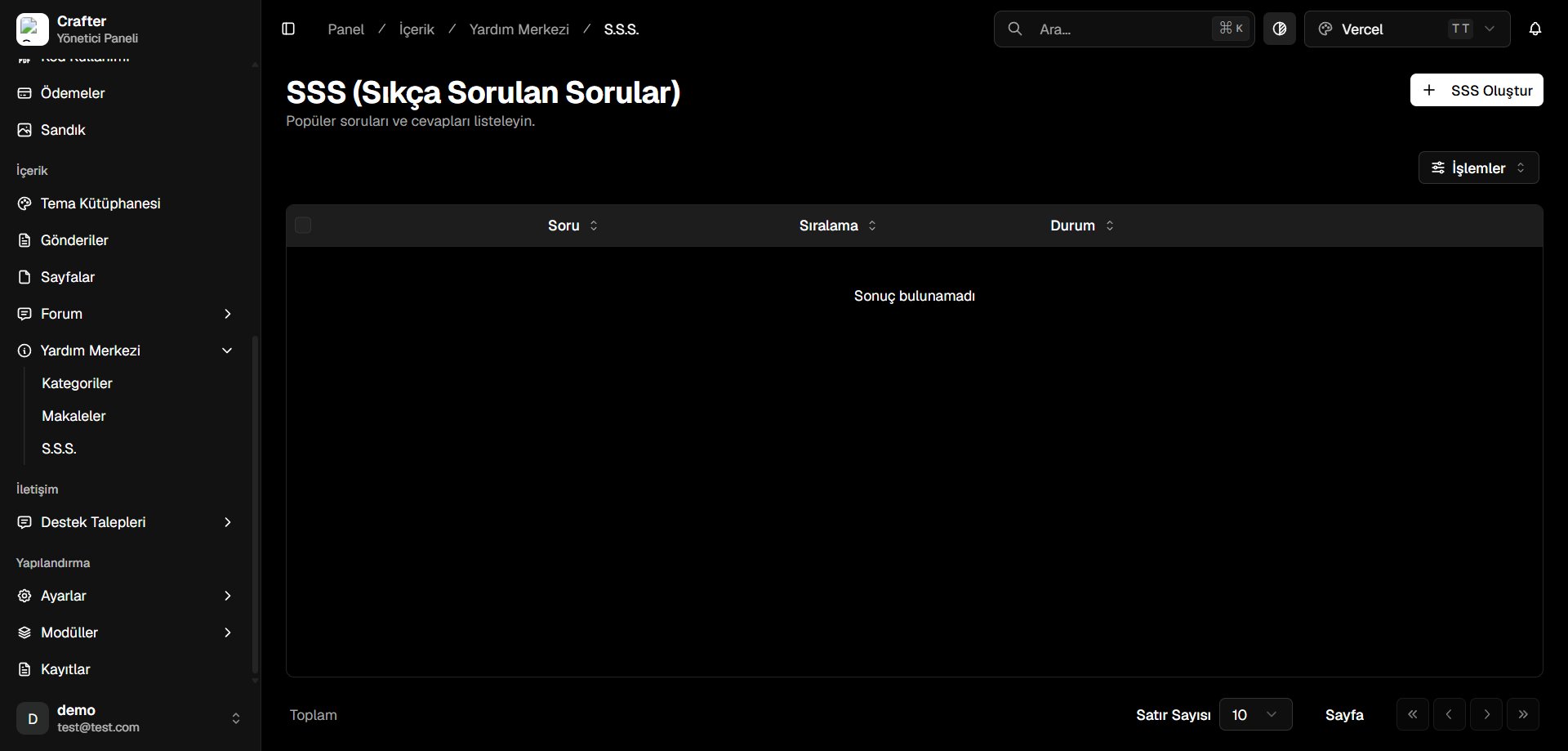
Navigate to [Dashboard > Content > Help Center > FAQ](https://app.crafter.net.tr/tr/dashboard/content/help-center/faqs) to manage questions.
 ***
## Creating an FAQ Entry
Click **+ Create FAQ** in the top right corner.
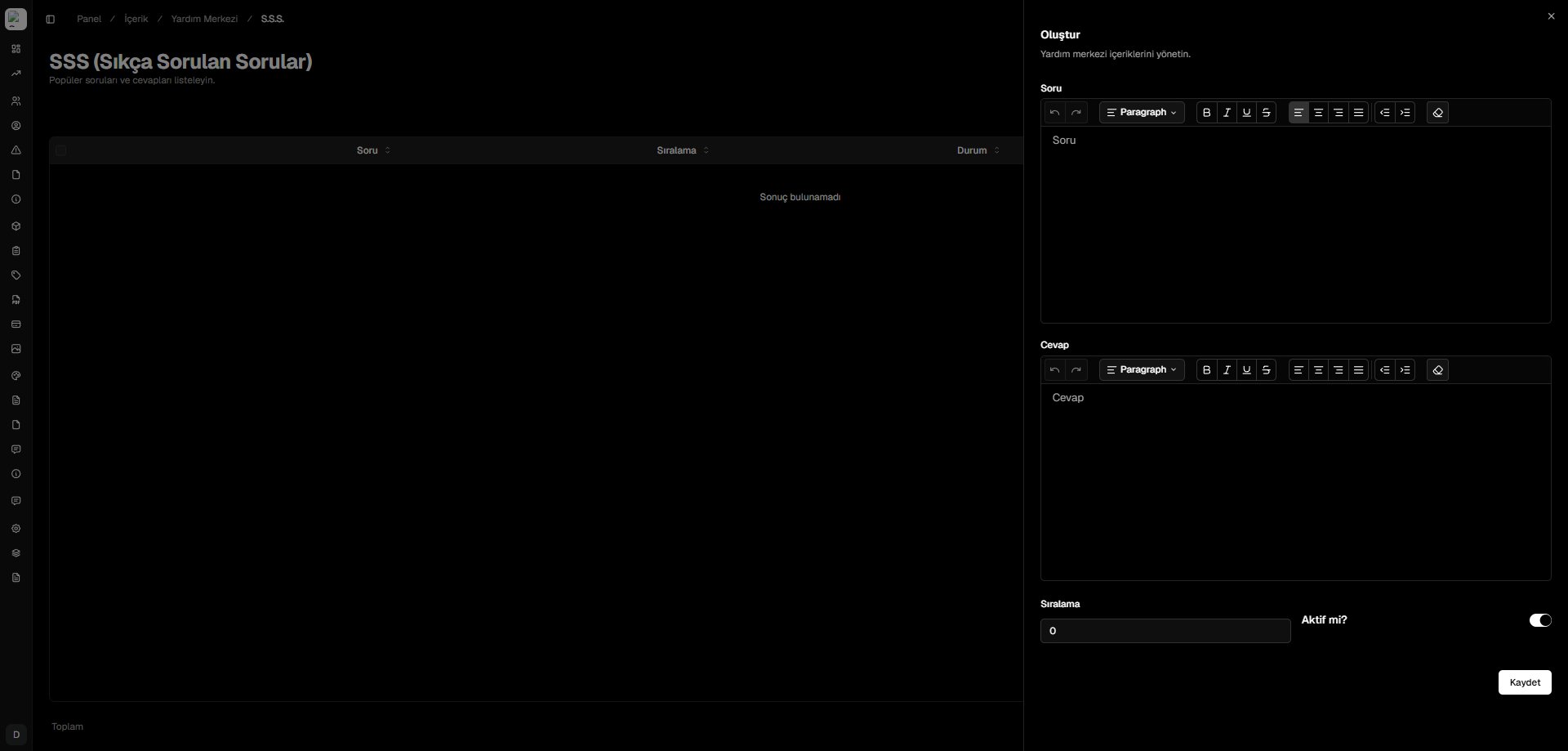
* **Question:** Short, clear inquiry prompt (e.g., *When will my VIP rank activate after payment?*).
* **Answer:** Detailed solution text with formatting.
* **Sort Order:** Numerical position index.
* **Active:** Publish toggle.
Click **Save** to publish the entry.
***
## Creating an FAQ Entry
Click **+ Create FAQ** in the top right corner.
* **Question:** Short, clear inquiry prompt (e.g., *When will my VIP rank activate after payment?*).
* **Answer:** Detailed solution text with formatting.
* **Sort Order:** Numerical position index.
* **Active:** Publish toggle.
Click **Save** to publish the entry.