> ## Documentation Index
> Fetch the complete documentation index at: https://docs.crafter.net.tr/llms.txt
> Use this file to discover all available pages before exploring further.
# Posts & News
> Publish server announcements, changelogs, patch notes, and configure SEO metadata.
The Crafter Posts module provides a full-featured blogging and announcement system for sharing game updates, patch notes, and community announcements.
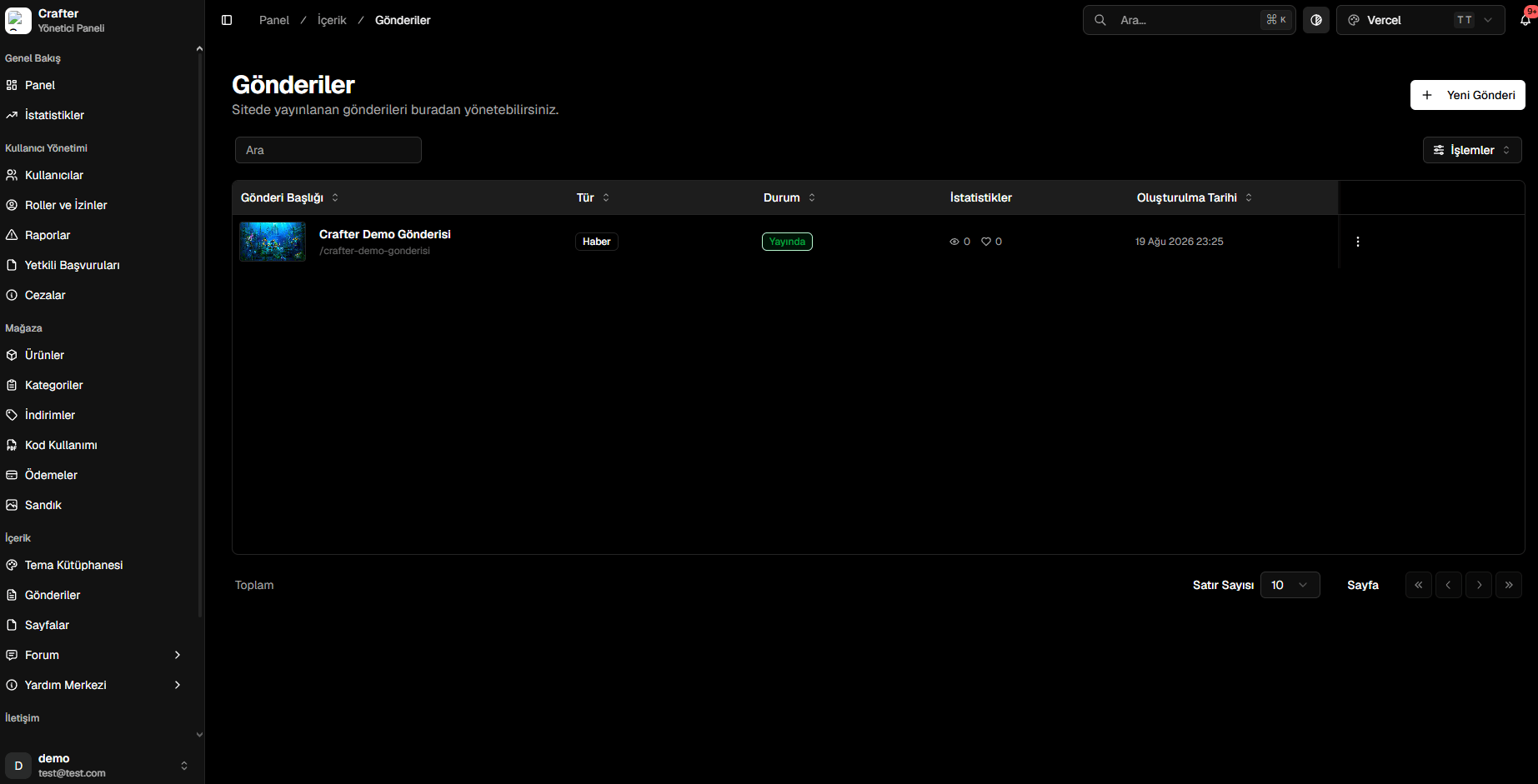
Navigate to [Dashboard > Content > Posts](https://app.crafter.net.tr/tr/dashboard/content/posts) to manage articles or write new announcements.
 ***
## Publishing a Post
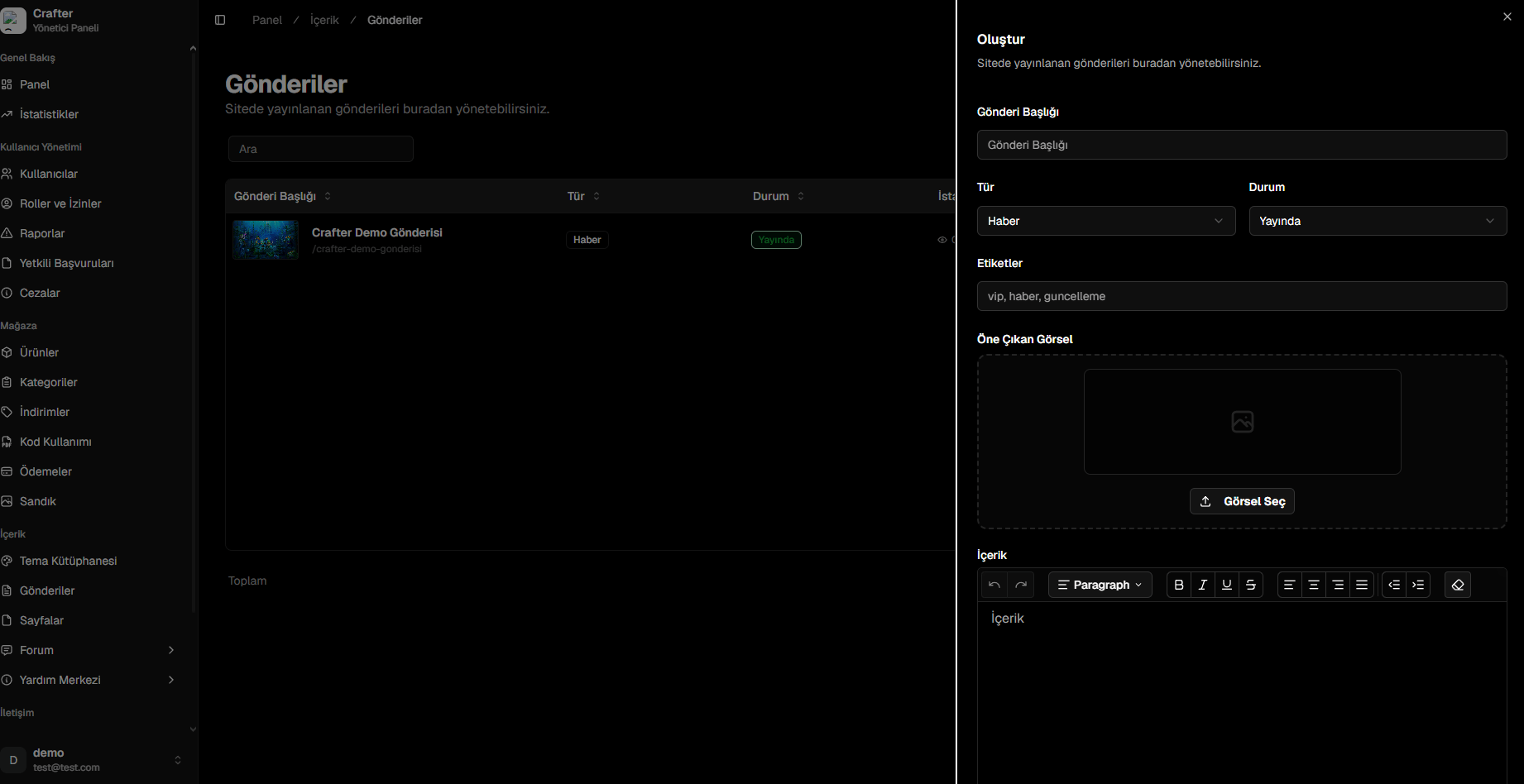
Click **+ New Post** in the top right corner.
* **Title:** Headline displayed on the website. Generates an SEO-friendly slug automatically (e.g., `/summer-update-notes`).
* **Type:** Category tag (*News*, *Announcement*, *Changelog*).
* **Status:** State (*Published*, *Draft*).
* **Tags:** Comma-separated tags (e.g., `update, survival, event`).
Upload a cover banner or select one from the Media Library.
Use the rich text editor to compose articles with headers, lists, code blocks, and embedded links.
* **Pinned:** Pin the announcement to the top of the homepage.
* **Trending:** Highlight among featured stories.
* **Meta Description & OG Image:** Optimize social sharing previews for Discord and Twitter/X.
Click **Save** to make the post public.
***
## Publishing a Post
Click **+ New Post** in the top right corner.
* **Title:** Headline displayed on the website. Generates an SEO-friendly slug automatically (e.g., `/summer-update-notes`).
* **Type:** Category tag (*News*, *Announcement*, *Changelog*).
* **Status:** State (*Published*, *Draft*).
* **Tags:** Comma-separated tags (e.g., `update, survival, event`).
Upload a cover banner or select one from the Media Library.
Use the rich text editor to compose articles with headers, lists, code blocks, and embedded links.
* **Pinned:** Pin the announcement to the top of the homepage.
* **Trending:** Highlight among featured stories.
* **Meta Description & OG Image:** Optimize social sharing previews for Discord and Twitter/X.
Click **Save** to make the post public.