> ## Documentation Index
> Fetch the complete documentation index at: https://docs.crafter.net.tr/llms.txt
> Use this file to discover all available pages before exploring further.
# Payments
> Track player checkout transactions, gateway logs, and real-time revenue analytics.
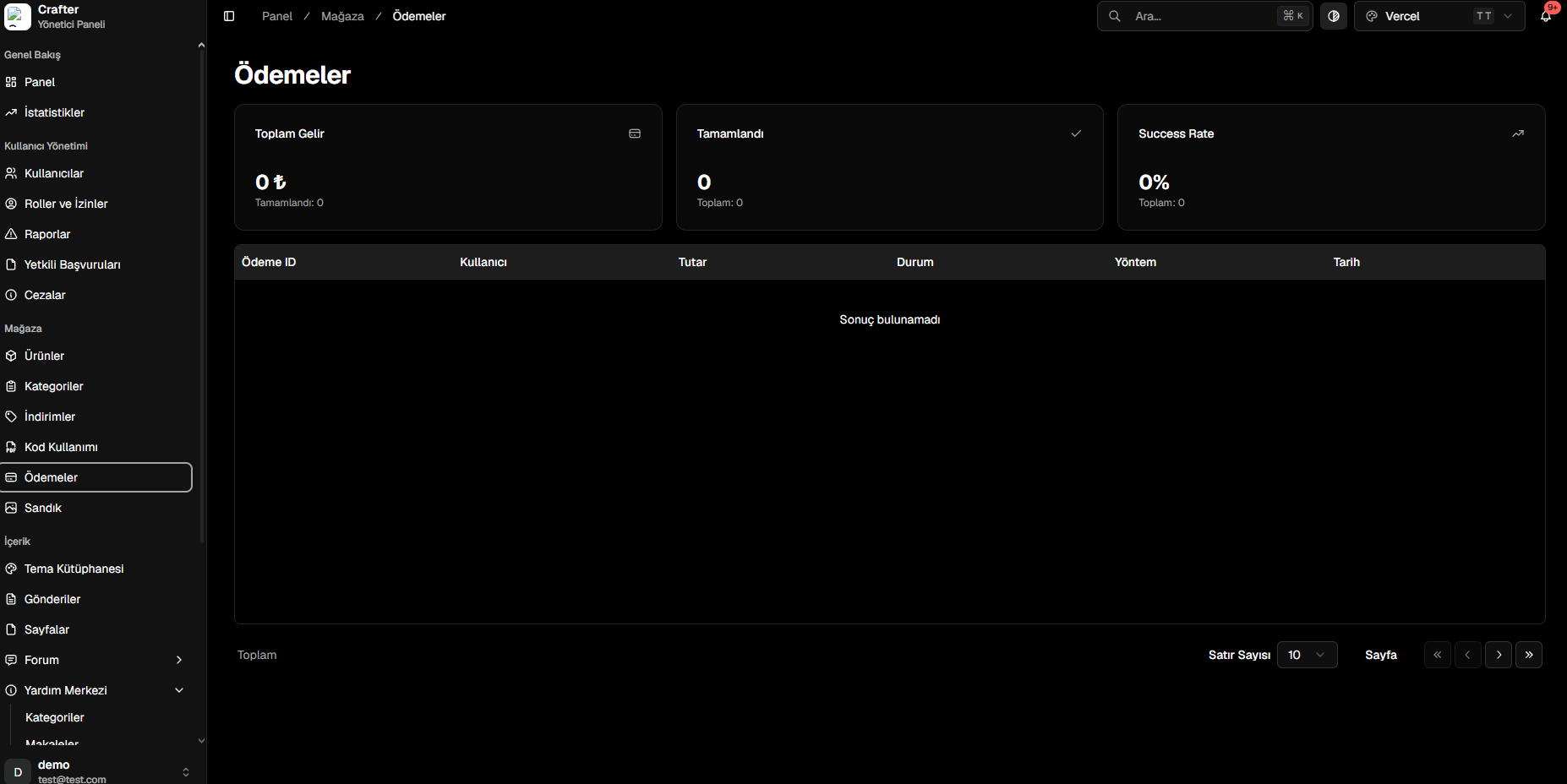
The Crafter Payments module records all balance top-ups, measures gateway checkout conversion rates, and consolidates server revenue in a single analytical dashboard.
Navigate to [Dashboard > Store > Payments](https://app.crafter.net.tr/tr/dashboard/store/payments) to inspect financial records.
 ***
## Key Financial Indicators (KPIs)
* **Total Revenue:** Gross earnings from completed transactions.
* **Completed Orders:** Total volume of successfully processed checkouts.
* **Success Rate:** Percentage ratio of successful payments versus attempted checkouts.
***
## Transaction Log Table
Every checkout attempt is logged with technical parameters:
* **Payment ID:** Unique transaction identifier.
* **User:** Account username.
* **Amount:** Currency volume paid.
* **Status:** State (*Completed*, *Pending*, *Failed*).
* **Method / Provider:** Payment gateway (Credit Card, Shopier, PayTR, Stripe, etc.).
* **Timestamp:** Precise completion date and time.
***
## Key Financial Indicators (KPIs)
* **Total Revenue:** Gross earnings from completed transactions.
* **Completed Orders:** Total volume of successfully processed checkouts.
* **Success Rate:** Percentage ratio of successful payments versus attempted checkouts.
***
## Transaction Log Table
Every checkout attempt is logged with technical parameters:
* **Payment ID:** Unique transaction identifier.
* **User:** Account username.
* **Amount:** Currency volume paid.
* **Status:** State (*Completed*, *Pending*, *Failed*).
* **Method / Provider:** Payment gateway (Credit Card, Shopier, PayTR, Stripe, etc.).
* **Timestamp:** Precise completion date and time.