> ## Documentation Index
> Fetch the complete documentation index at: https://docs.crafter.net.tr/llms.txt
> Use this file to discover all available pages before exploring further.
# Reports
> Manage in-game and web player reports, rule violations, and staff investigations.
The Crafter Reports module enables players to report rule violations, griefing, hacking, or inappropriate behavior directly via the website.
Staff members can investigate incoming reports from a unified interface, review submitted evidence, and apply necessary disciplinary actions.
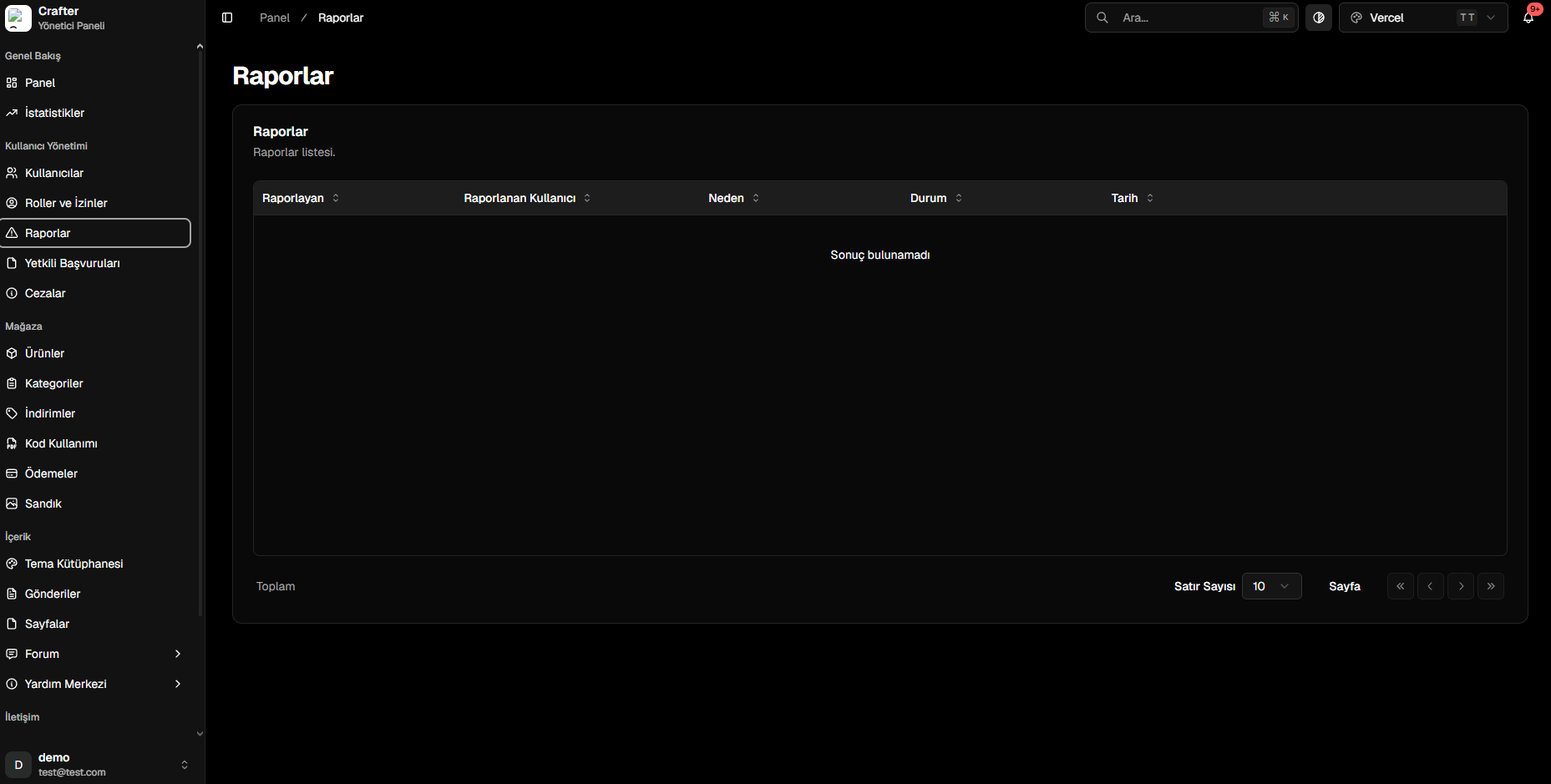
Navigate to [Dashboard > User Management > Reports](https://app.crafter.net.tr/tr/dashboard/reports) to view all submitted player reports.
 ***
## Report Data & Attributes
Every incoming report contains key investigative details:
* **Reported By:** The user account that filed the report.
* **Reported User:** Target player suspected of violating rules.
* **Reason:** Violation category and player-provided justification (e.g., Cheating, Chat Abuse).
* **Status:** Current operational state (Pending, Under Review, Approved, Rejected).
* **Date & Time:** Submission timestamp.
***
## Report Workflow
Players submit reports through user profiles, forum posts, or designated reporting pages on your website.
Staff members open the report in the dashboard, evaluate chat logs, screenshots, or video proof.
If the violation is confirmed, staff issue a ban or warning via the [Punishments Module](https://app.crafter.net.tr/tr/dashboard/modules/punishments) and close the report.
Ensure staff roles have the `manage_reports` permission enabled under [Roles & Permissions](https://app.crafter.net.tr/tr/dashboard/roles).
***
## Report Data & Attributes
Every incoming report contains key investigative details:
* **Reported By:** The user account that filed the report.
* **Reported User:** Target player suspected of violating rules.
* **Reason:** Violation category and player-provided justification (e.g., Cheating, Chat Abuse).
* **Status:** Current operational state (Pending, Under Review, Approved, Rejected).
* **Date & Time:** Submission timestamp.
***
## Report Workflow
Players submit reports through user profiles, forum posts, or designated reporting pages on your website.
Staff members open the report in the dashboard, evaluate chat logs, screenshots, or video proof.
If the violation is confirmed, staff issue a ban or warning via the [Punishments Module](https://app.crafter.net.tr/tr/dashboard/modules/punishments) and close the report.
Ensure staff roles have the `manage_reports` permission enabled under [Roles & Permissions](https://app.crafter.net.tr/tr/dashboard/roles).