
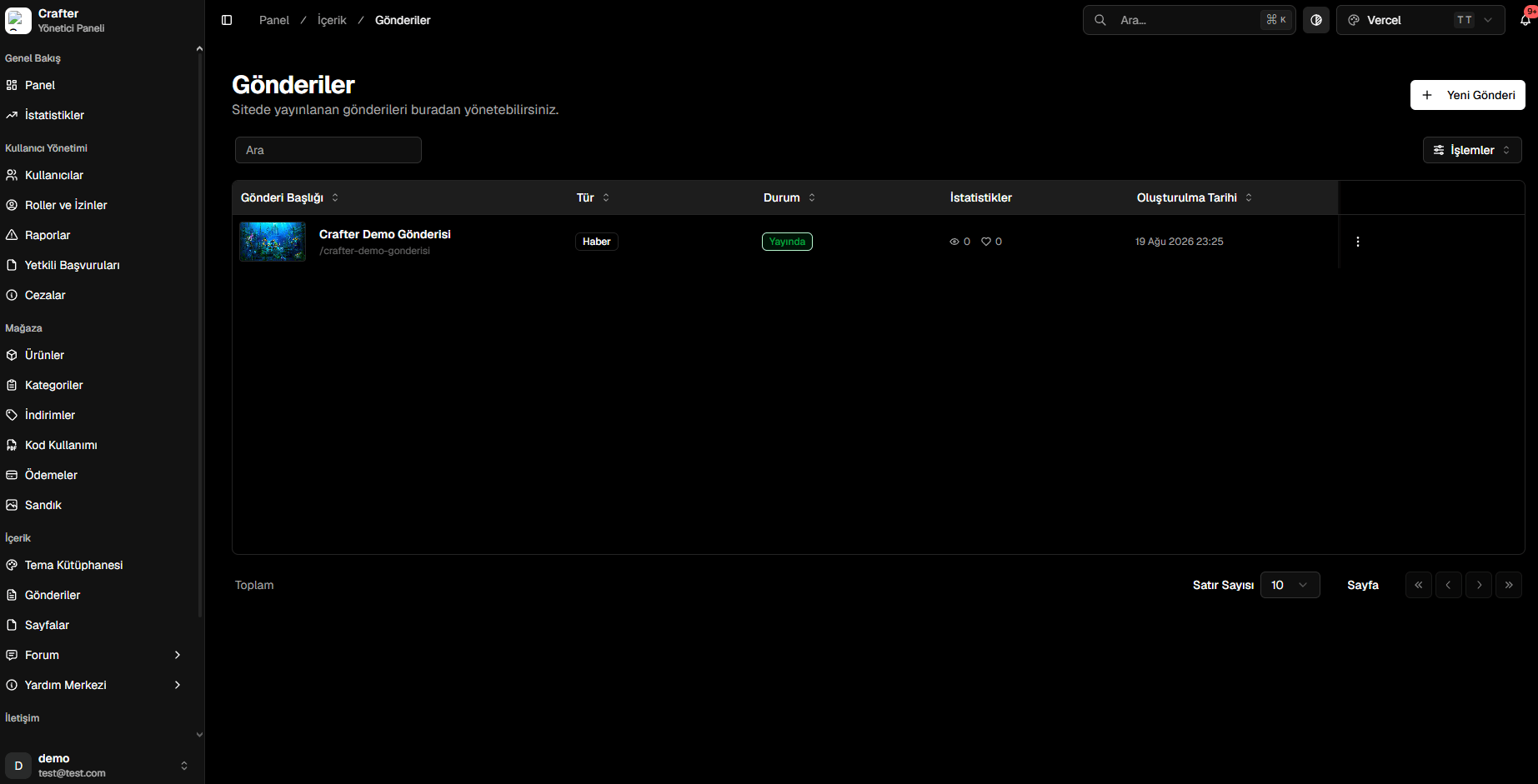
Posts Management Dashboard
Publishing a Post
1
Open Article Editor
Click + New Post in the top right corner.
2
Configure Title & Classification
- Title: Headline displayed on the website. Generates an SEO-friendly slug automatically (e.g.,
/summer-update-notes). - Type: Category tag (News, Announcement, Changelog).
- Status: State (Published, Draft).
- Tags: Comma-separated tags (e.g.,
update, survival, event).
3
Select Featured Image
Upload a cover banner or select one from the Media Library.
4
Compose Content
Use the rich text editor to compose articles with headers, lists, code blocks, and embedded links.
5
Configure SEO & Social Settings
- Pinned: Pin the announcement to the top of the homepage.
- Trending: Highlight among featured stories.
- Meta Description & OG Image: Optimize social sharing previews for Discord and Twitter/X.
6
Save and Publish
Click Save to make the post public.
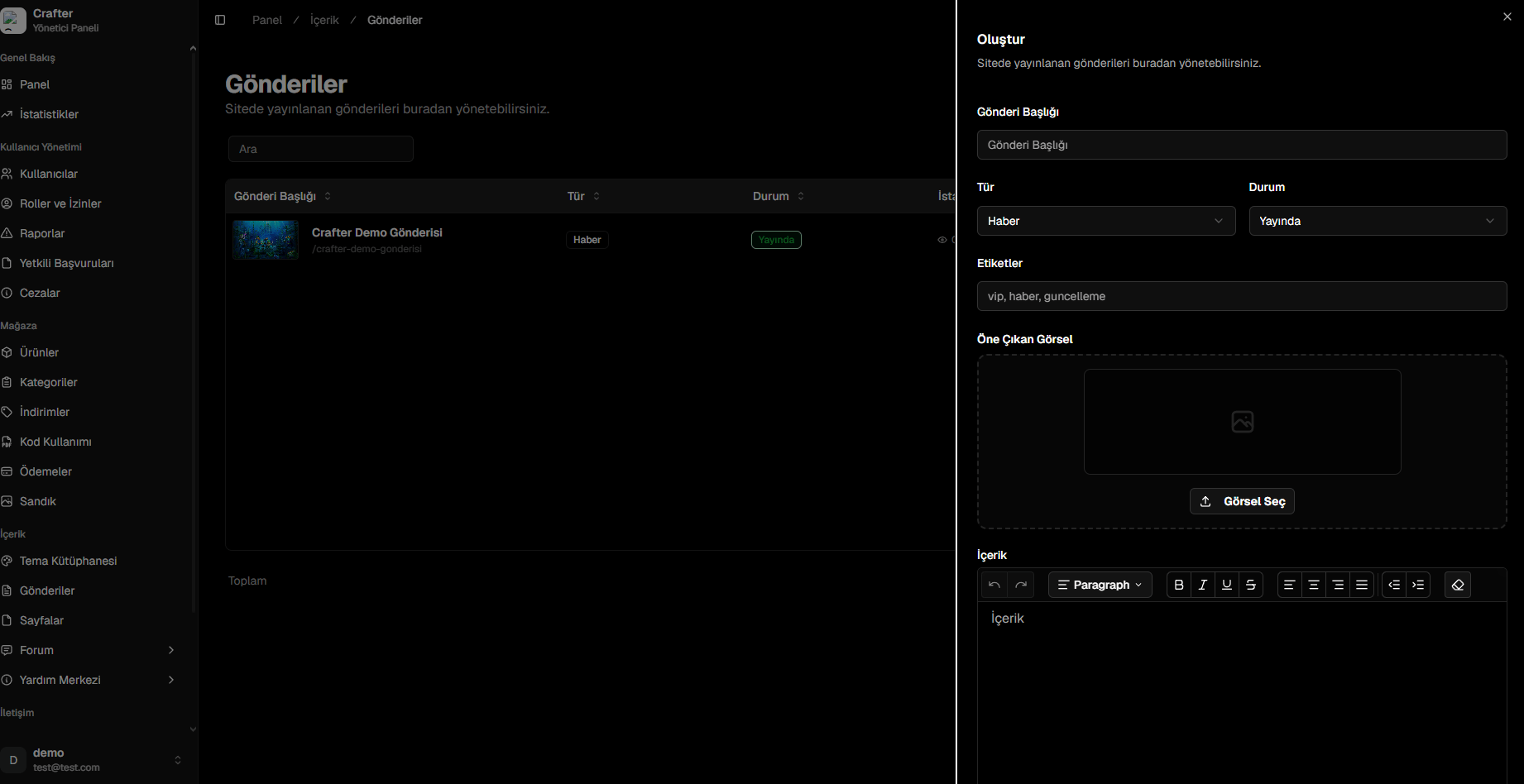
Article Composition & SEO Drawer