
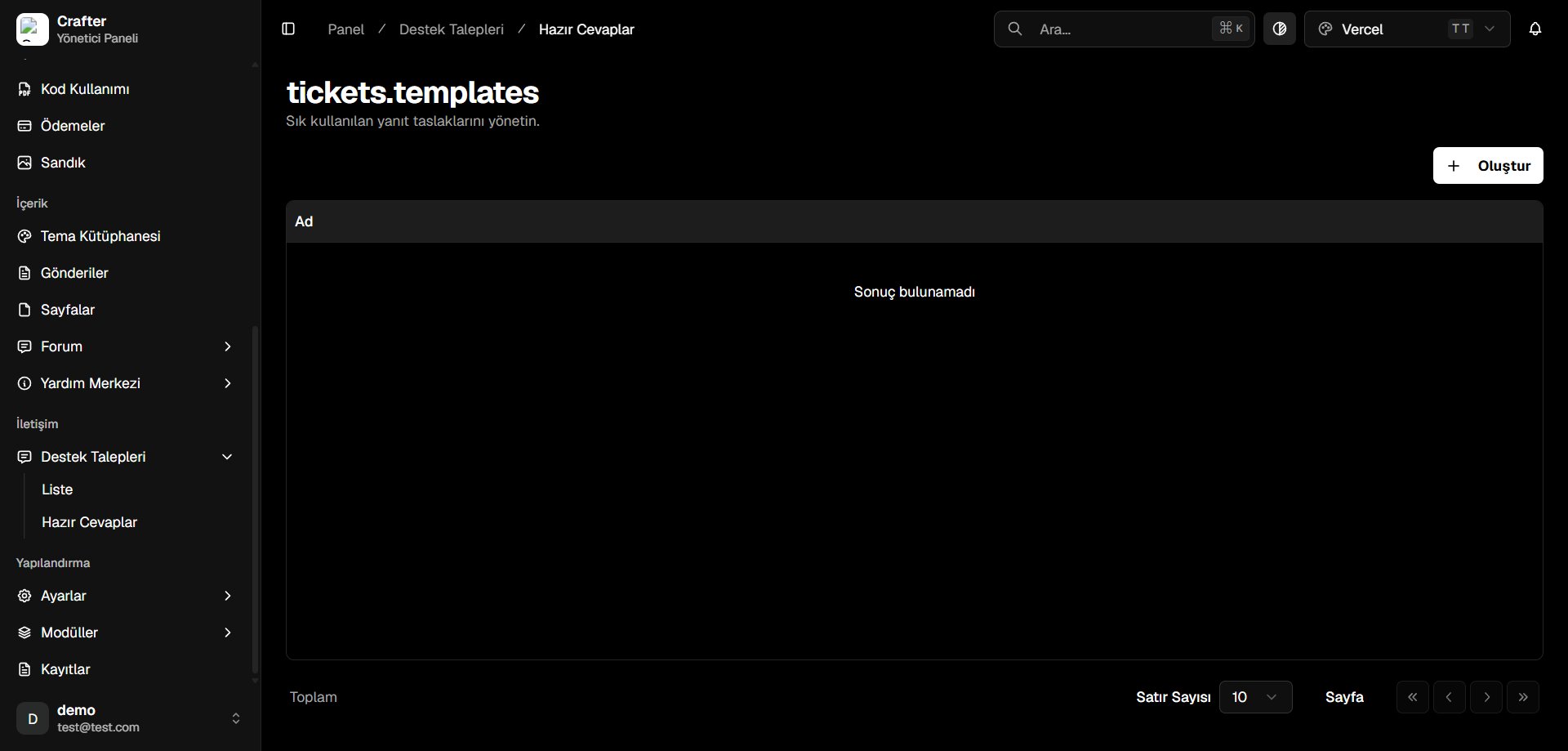
Canned Responses Overview
Creating a Response Template
1
Open Template Creator
Click + Create in the top right corner.
2
Configure Template Content
- Name: Title or internal label (e.g., Payment Confirmation Greeting, Technical Investigation Initial Reply).
- Content: Rich text message formatted with bullet points, links, and bold highlights.
- Auto-Reply: Toggle on if this response should automatically send upon ticket creation.
- Make Default: Set as the default pre-filled macro for staff members.
3
Save Template
Click Save to enable the macro across your team.
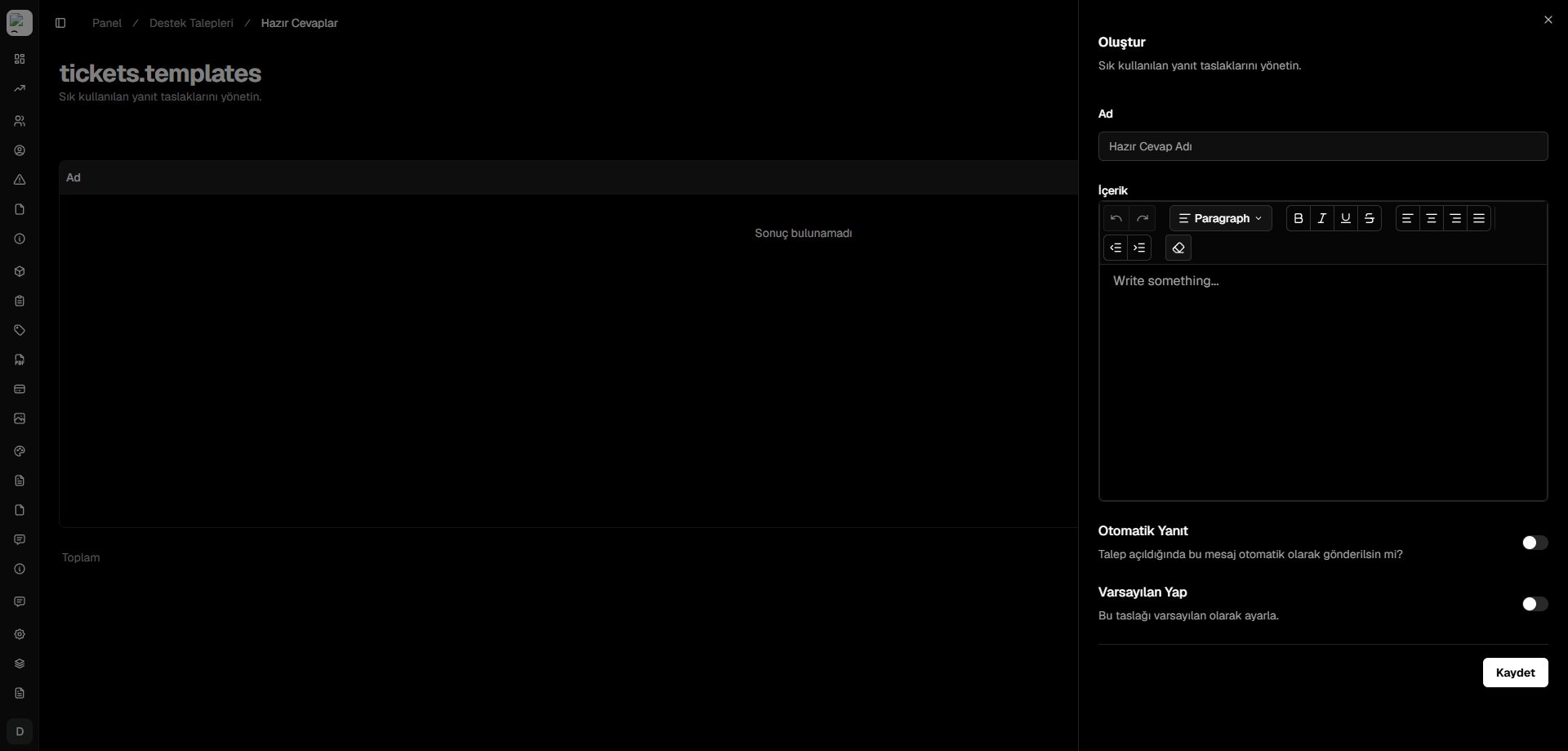
Template Creator Drawer