
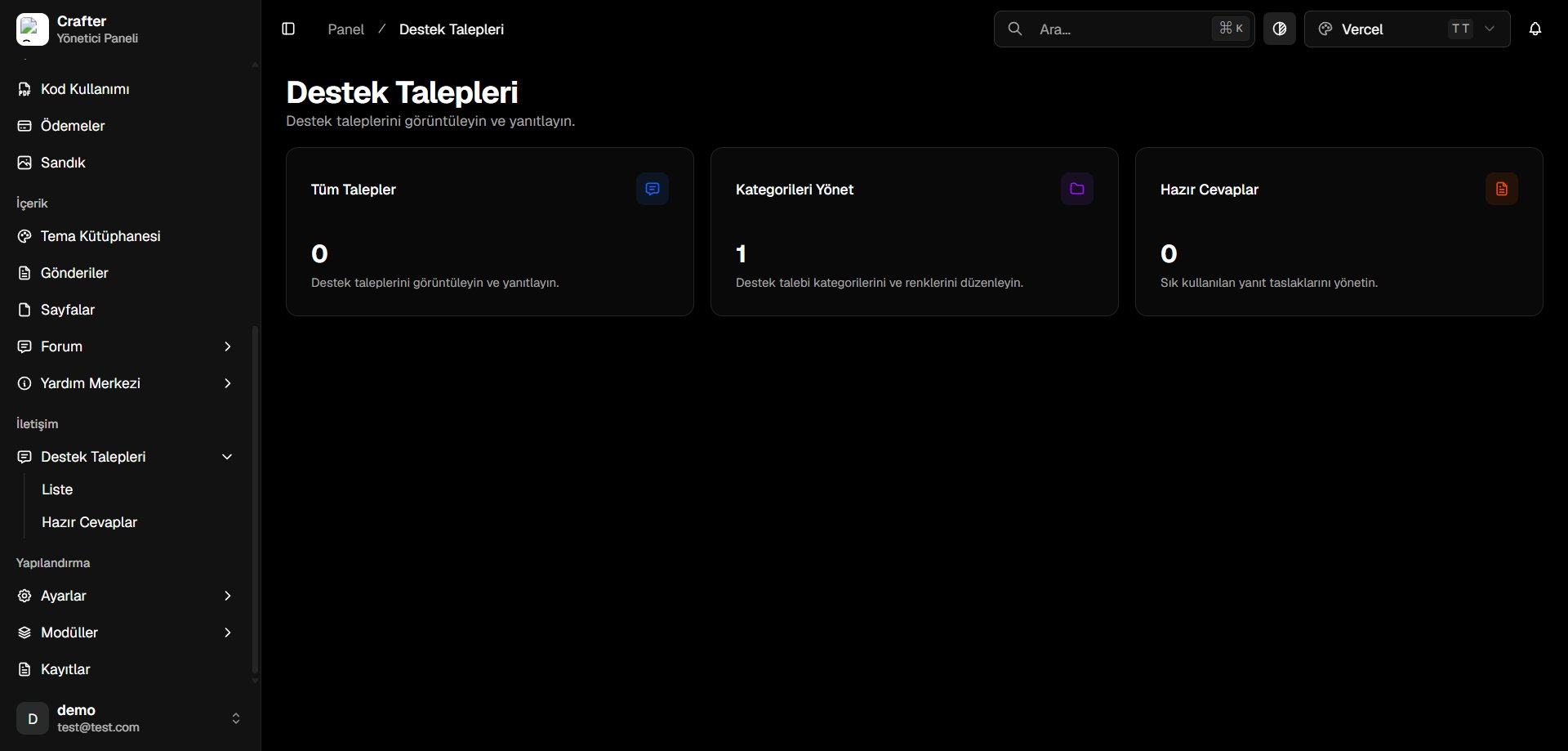
Support Tickets Dashboard Overview
Quick Navigation & Overview
- All Tickets: Total volume of support requests with instant list filtering.
- Manage Categories: Organize tickets into colored departments (Technical Support, Billing, Bug Reports).
- Canned Responses: Manage pre-written macro responses for rapid resolution.
Managing & Filtering Tickets
Inspect all tickets at Dashboard > Tickets > List.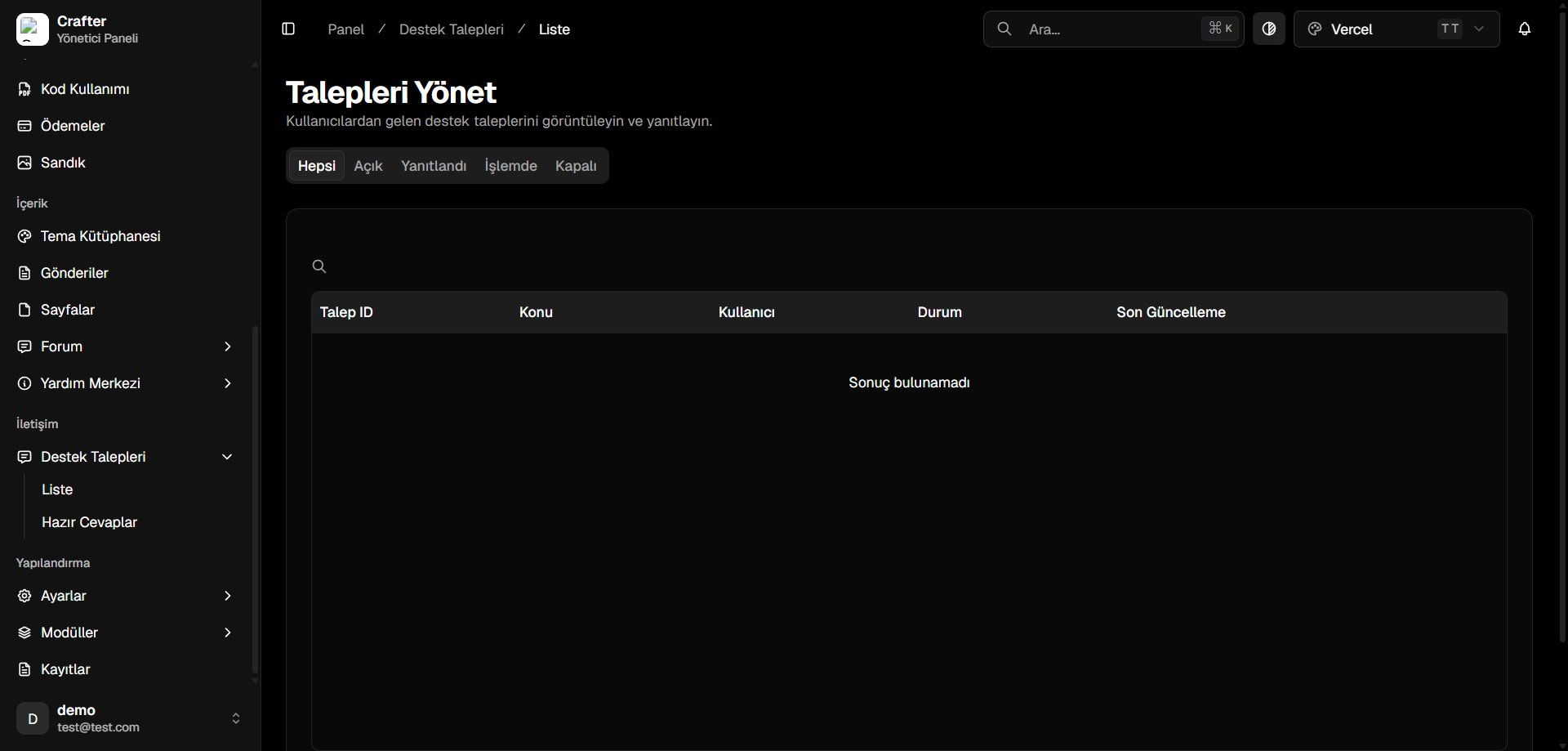
Tickets List Interface
Status Filters
- All: Full ticket repository.
- Open: Newly created requests awaiting first staff reply.
- Answered: Staff responded; awaiting player feedback.
- In Progress: Under active investigation.
- Closed: Resolved inquiries.
Ticket Categories & Departments
Color-code departments for easy triage at Dashboard > Tickets > Categories.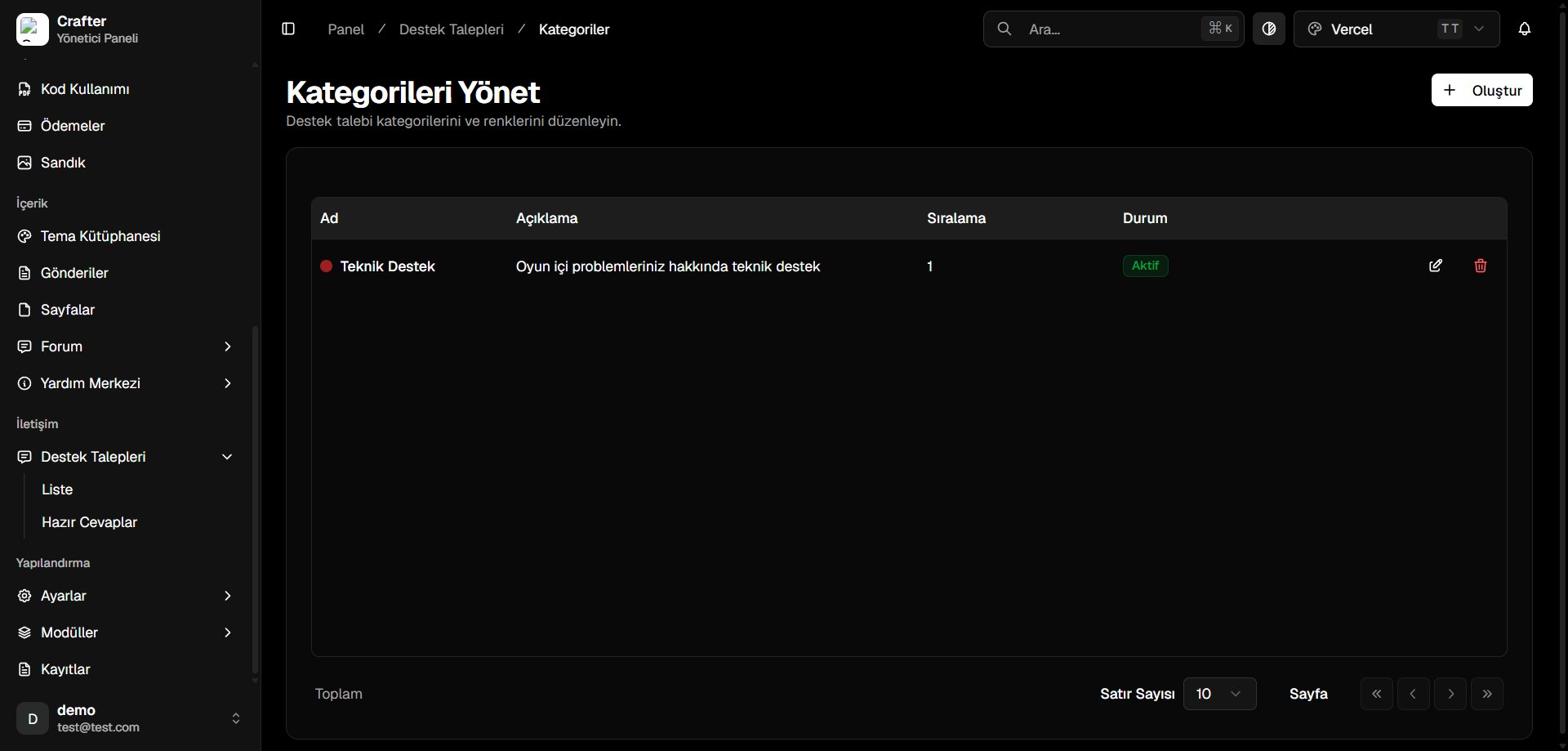
Ticket Categories Interface
Creating a Category
1
Open Creator
Click + Create on the Categories page.
2
Configure Properties
- Name: Title (e.g., Billing Inquiries, Bug Reports).
- Description: Purpose and scope.
- Color: HEX accent color (e.g.,
#3B82F6). - Sort Order: Priority index.
- Active: Publish toggle.
3
Save
Click Save to activate.
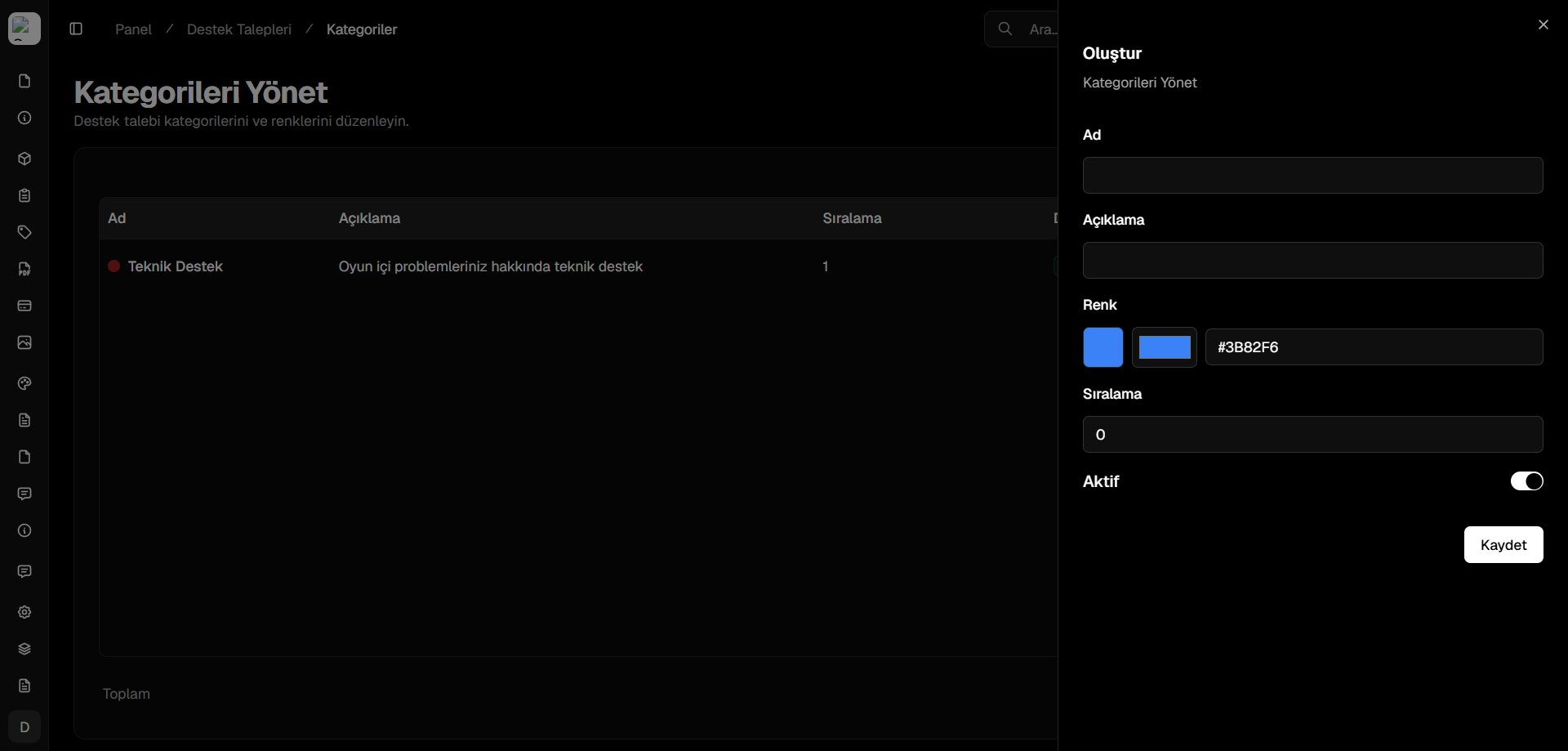
Category Creator Drawer