
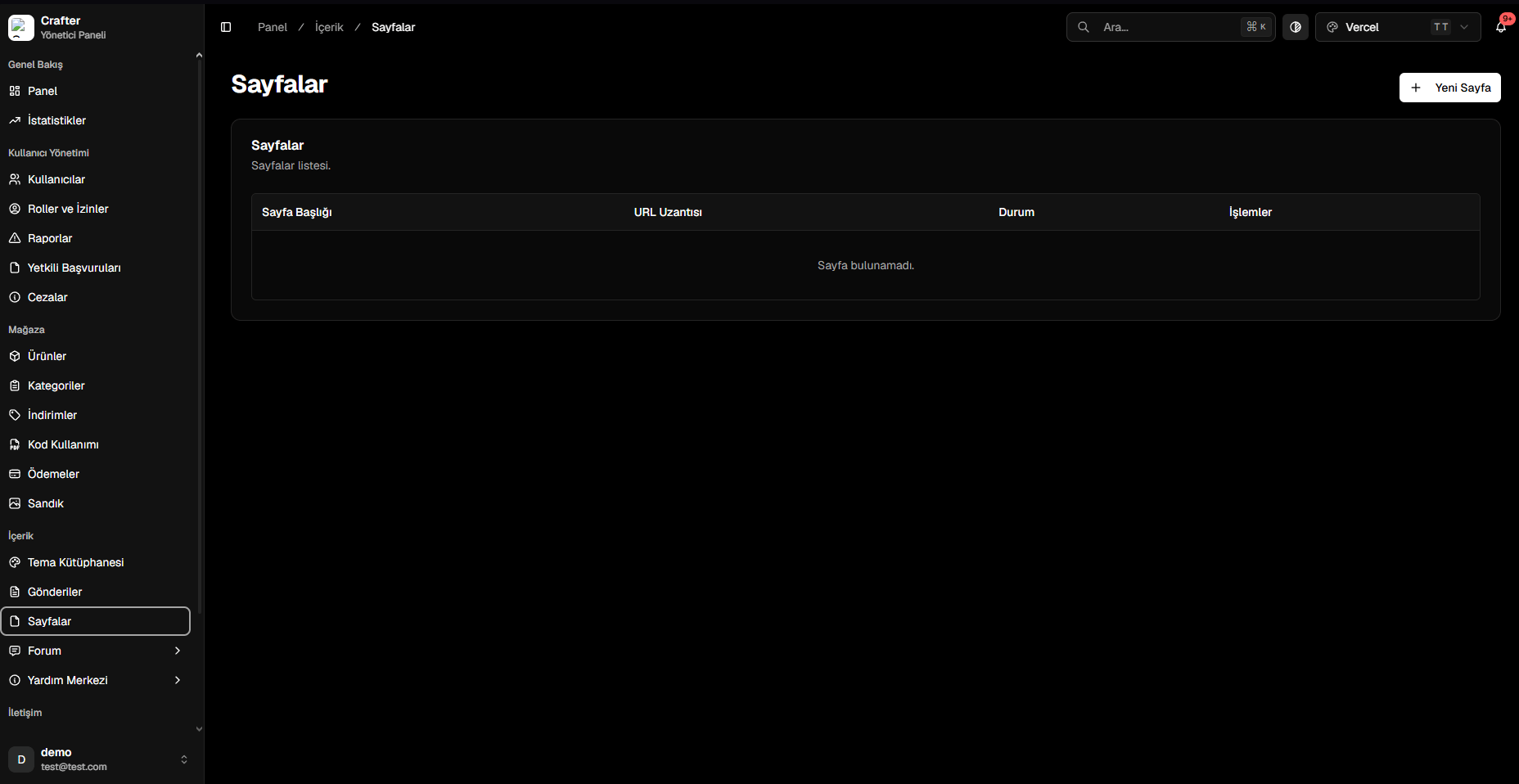
Pages Management Overview
Creating a Custom Page
1
Open Page Creator
Click + New Page in the top right corner of the Pages screen.
2
Configure Title & URL Path
- Page Title: Display name (e.g., Server Rules, Staff Team).
- Slug: URL path (e.g.,
yourdomain.com/rules). - Published: Visibility toggle.
3
Theme Template Suffix (Optional)
Assign a custom layout template suffix to override the standard page container.
4
Enter HTML / Body Content
Insert custom HTML, CSS styling, or markdown into the editor.
5
Set SEO & Save
Configure Meta Title and Meta Description, then click Create.
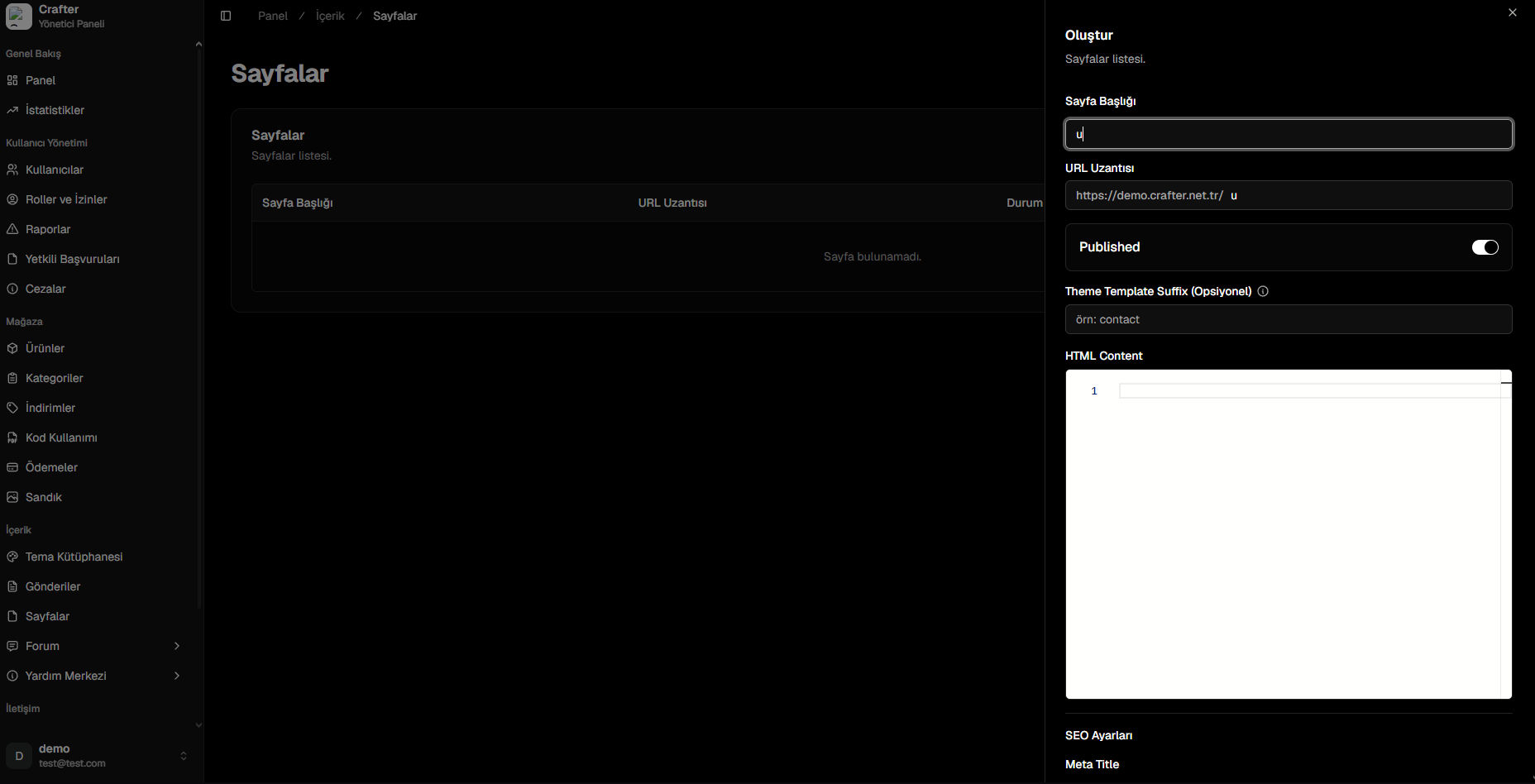
Page Creation & Template Assignment Panel
Understanding Theme Template Suffixes
By default, pages render using your active theme’stemplates/page.liquid template. To render a custom bespoke design for specific pages, use Theme Template Suffixes:
- If left empty, Crafter compiles
templates/page.liquid. - If you enter
contact, the system compilestemplates/page.contact.liquid. - If you enter
rules, the system compilestemplates/page.rules.liquid.