
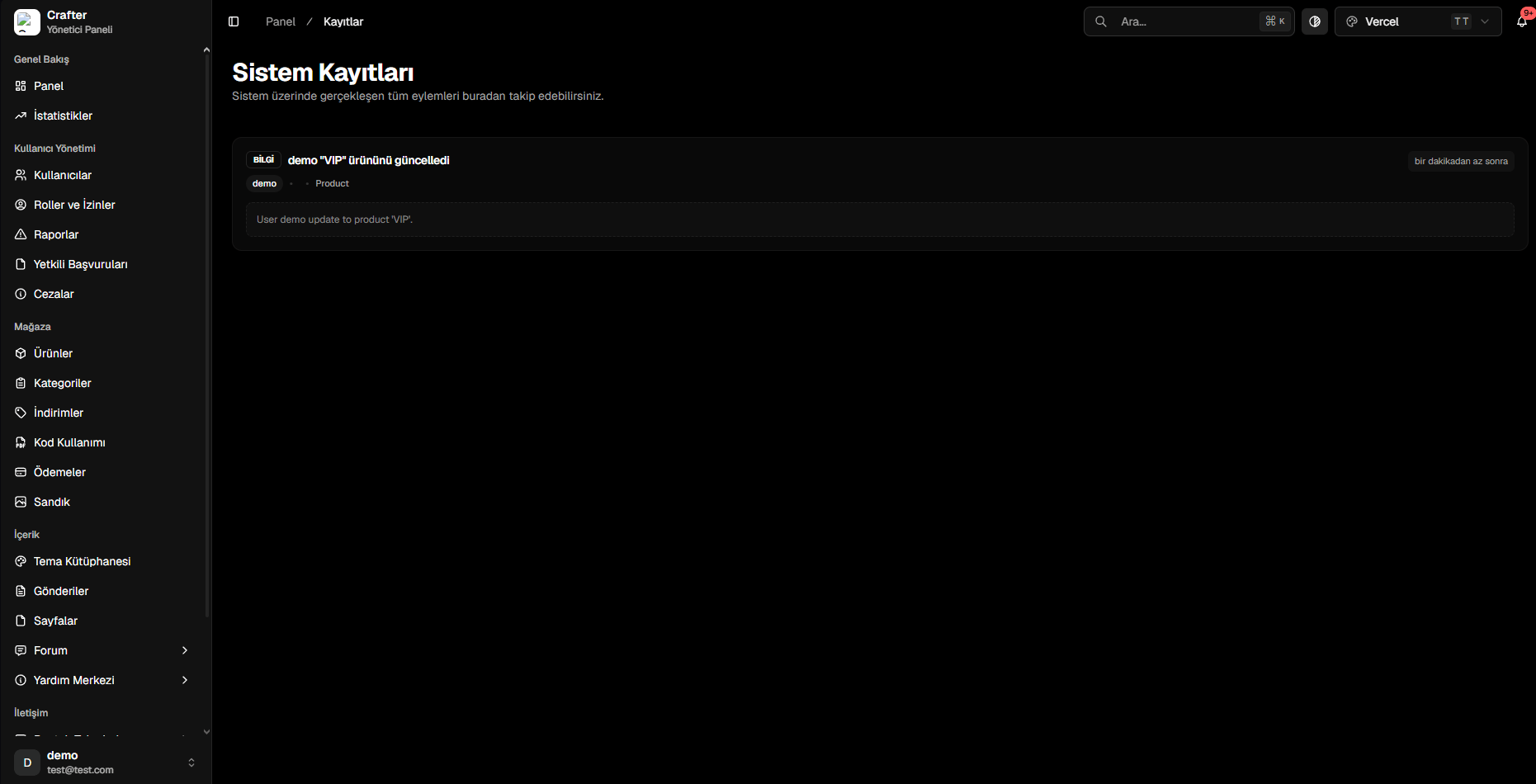
Audit Logs Inspection Interface
1. Anatomy of an Audit Record
- Log Type (
LOG_TYPES): Specific event code (e.g.,purchase_product,update_product,ban_user). - Category (
LOG_CATEGORIES): Parent module (payment,user,auth,product,ticket). - Performed By (
performedBy): Account username orSYSTEM. - Description & Message: Plain-language summary.
- Event Data (
eventData): Technical JSON payload containing before/after values. - Timestamp: Exact execution time.
2. Severity Levels
INFO
Standard operational reads and normal user actions.
SUCCESS
Successful store orders, registrations, and credit top-ups.
WARNING
Administrative edits, player bans, and deletions.
ERROR
Failed payment attempts, unauthorized access attempts, and security blocks.
3. Log Categories (LOG_CATEGORIES)
Logs are organized across 16 core categories: auth, user, payment, product, category, chest, role, server, ticket, post, forum, help_center, coupon, redeem_code, staff_form, and config.