
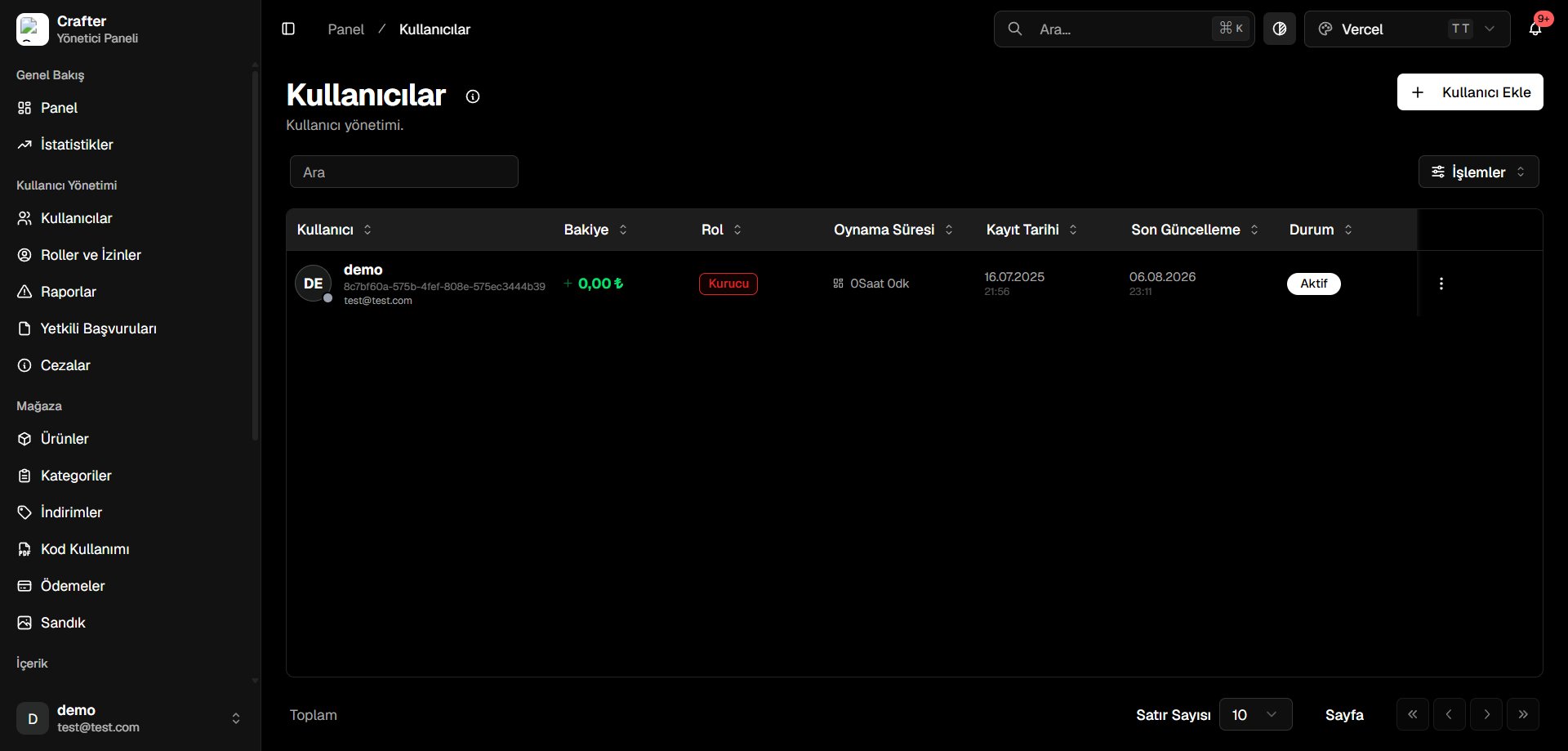
User Management Operations
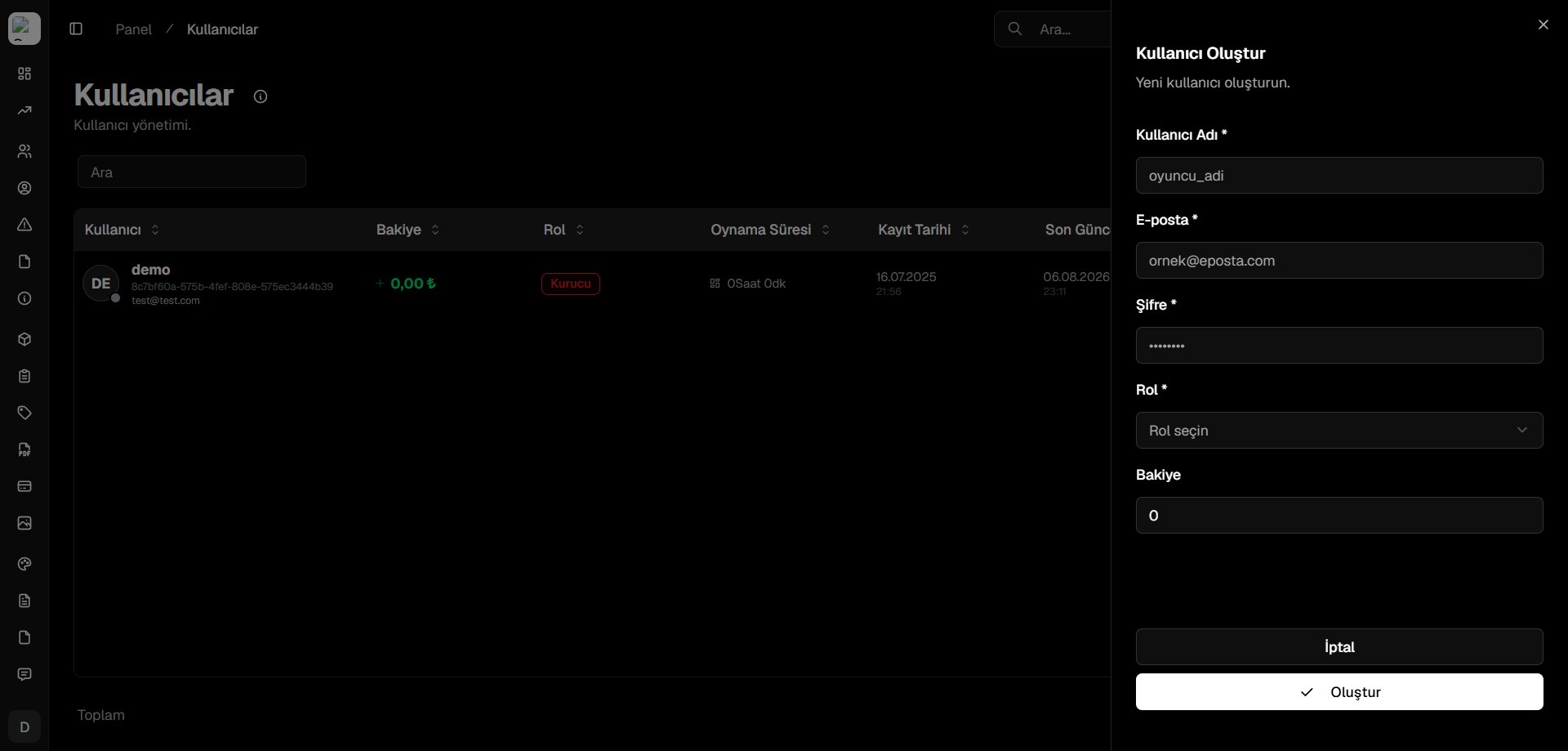
Adding Users Manually
To manually create a user account from the dashboard, click the designated button shown below: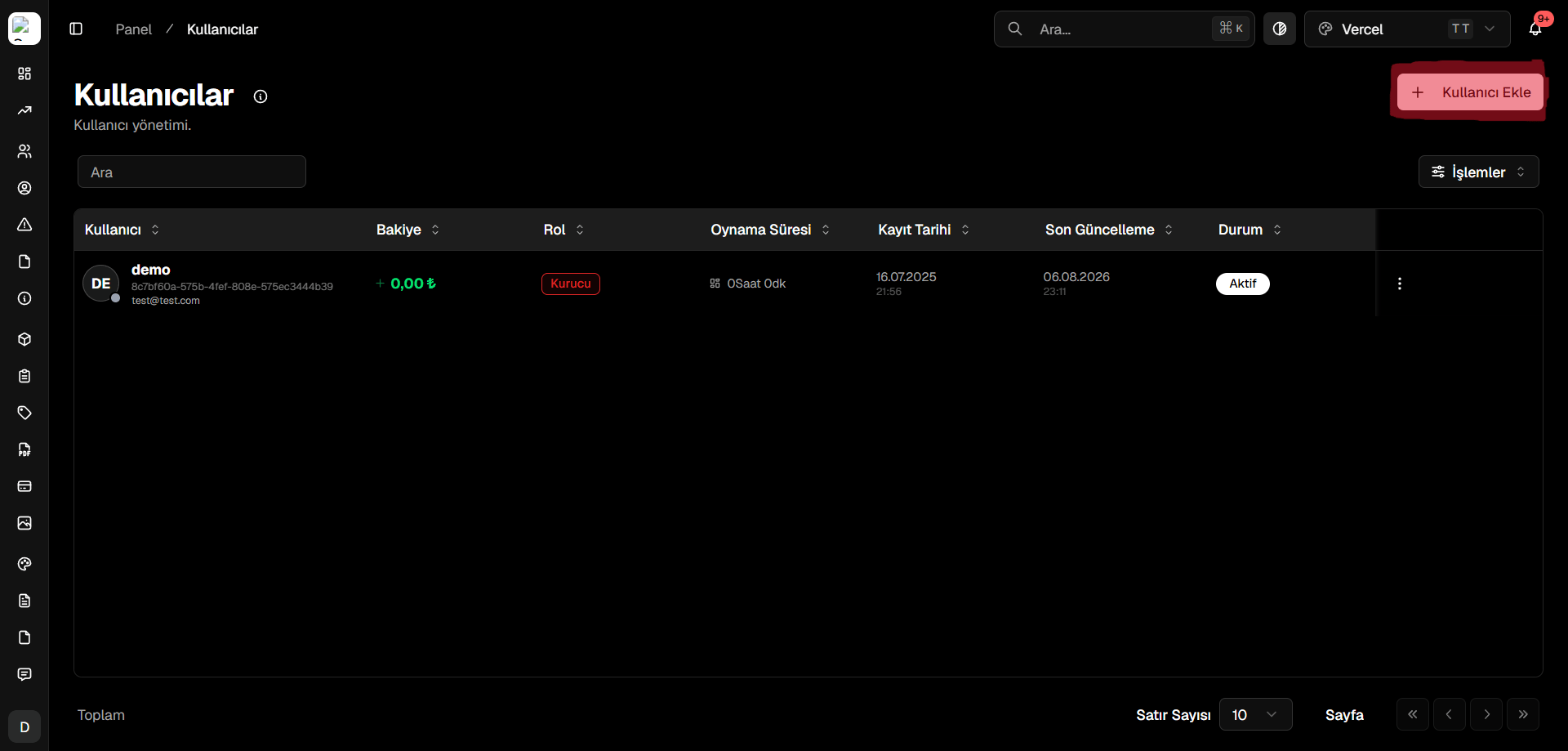
Editing & Managing Existing Users
Click the action menu icon next to any user row to view account management options: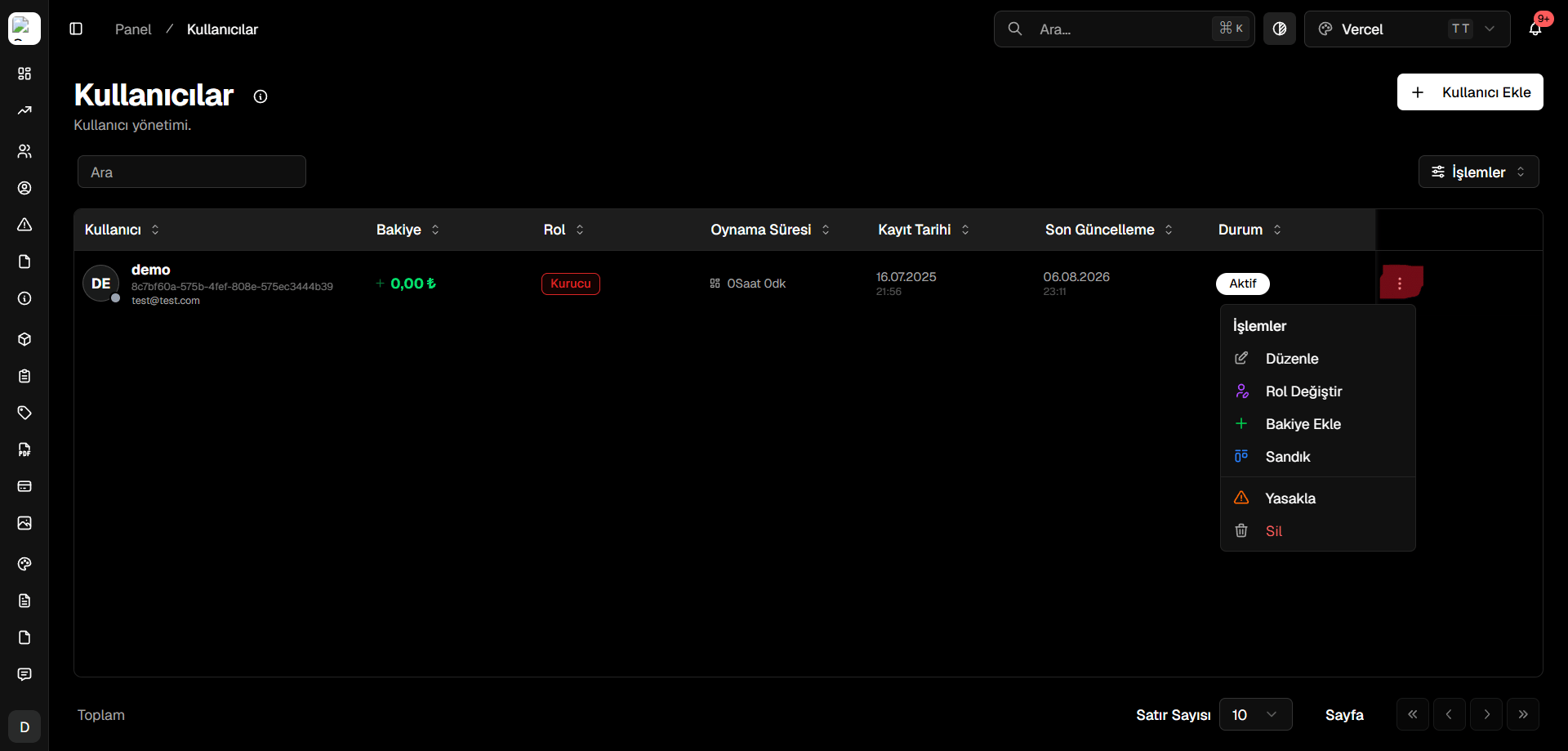
- Edit profile details and email addresses
- Change user role and permission hierarchy
- Add or deduct store credits/balance
- Review product purchase history and active subscriptions
- Delete or ban the user account