
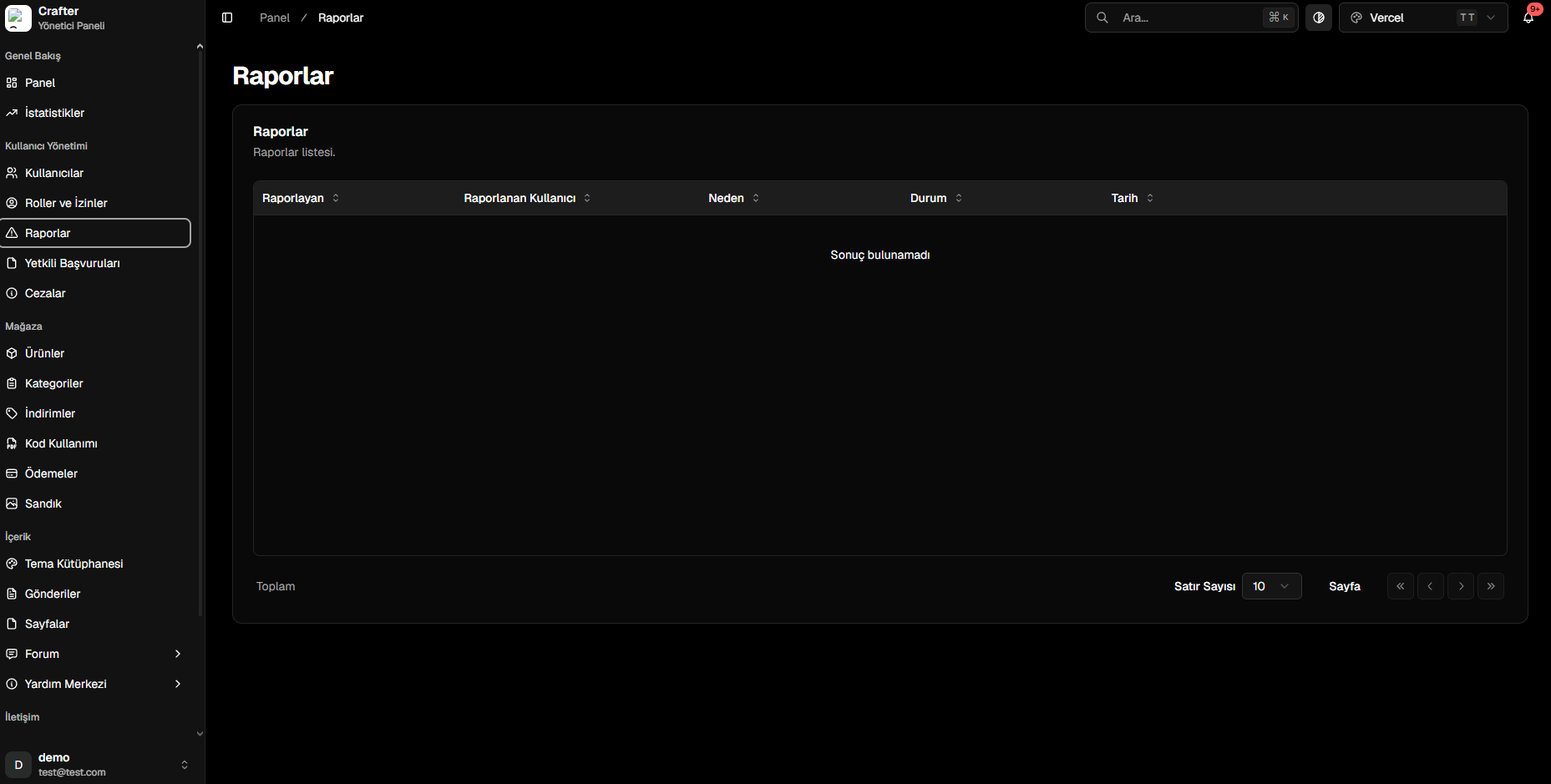
Reports Management Overview
Report Data & Attributes
Every incoming report contains key investigative details:- Reported By: The user account that filed the report.
- Reported User: Target player suspected of violating rules.
- Reason: Violation category and player-provided justification (e.g., Cheating, Chat Abuse).
- Status: Current operational state (Pending, Under Review, Approved, Rejected).
- Date & Time: Submission timestamp.
Report Workflow
1
Player Files a Report
Players submit reports through user profiles, forum posts, or designated reporting pages on your website.
2
Staff Reviews Evidence
Staff members open the report in the dashboard, evaluate chat logs, screenshots, or video proof.
3
Action is Taken & Status Updated
If the violation is confirmed, staff issue a ban or warning via the Punishments Module and close the report.