
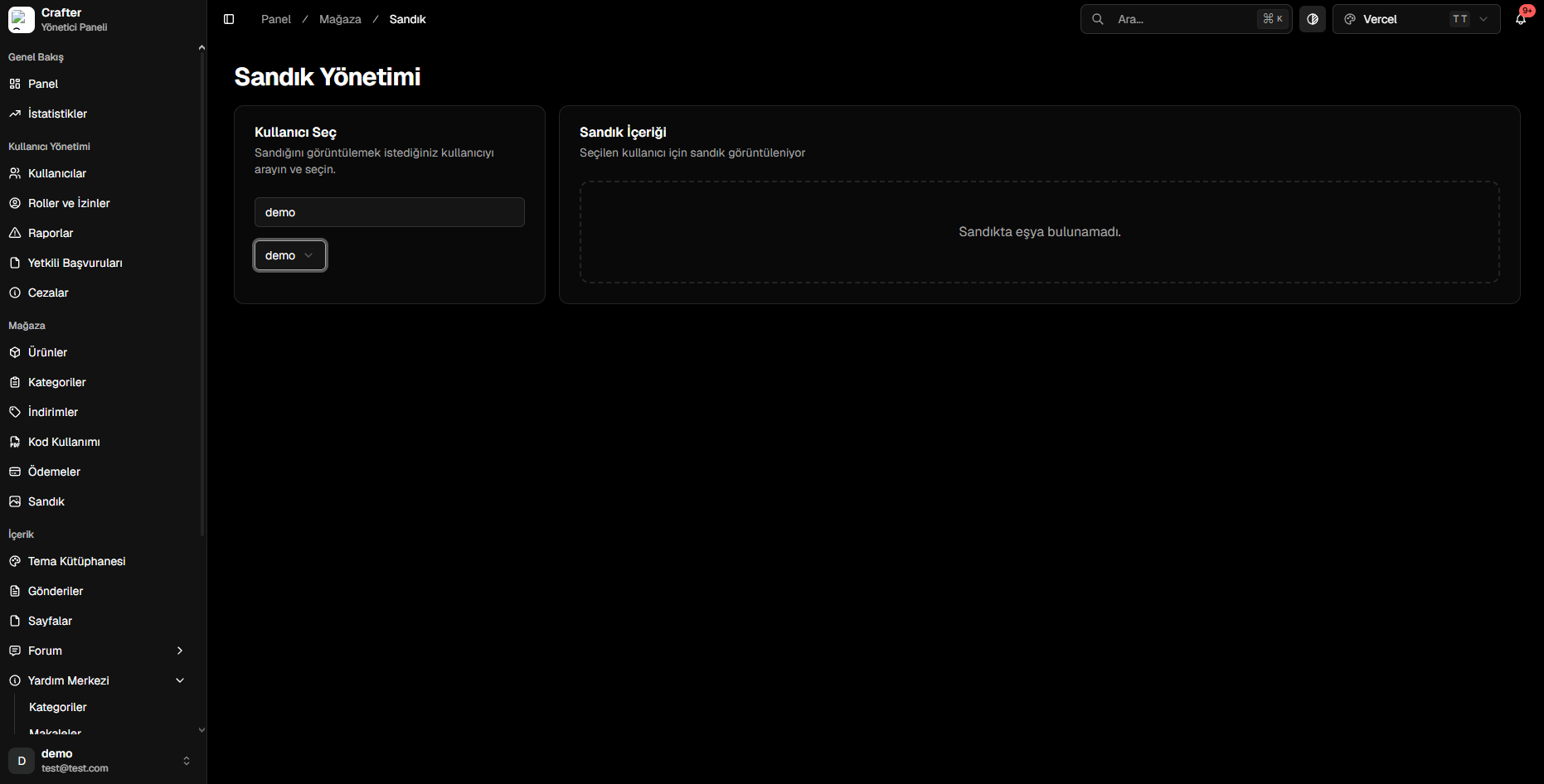
Web Chests Management Interface
Inspecting a Player’s Web Chest
1
Search for Player
Type the target player’s username into the Select User search box on the left.
2
Select Account
Choose the account from results to load their active chest items in the right-hand panel.
Administrative Actions
From the chest panel, administrators can:- Add Item: Manually grant a store package, crate key, or special voucher into the player’s chest.
- Revoke Item: Remove refunded or erroneously granted items.
- Trigger In-Game Delivery: Instantly dispatch console delivery commands to an active server on behalf of the player.
Players can log in to your website and access
yourdomain.com/chest to claim their items into their current server at any time with a single click.