
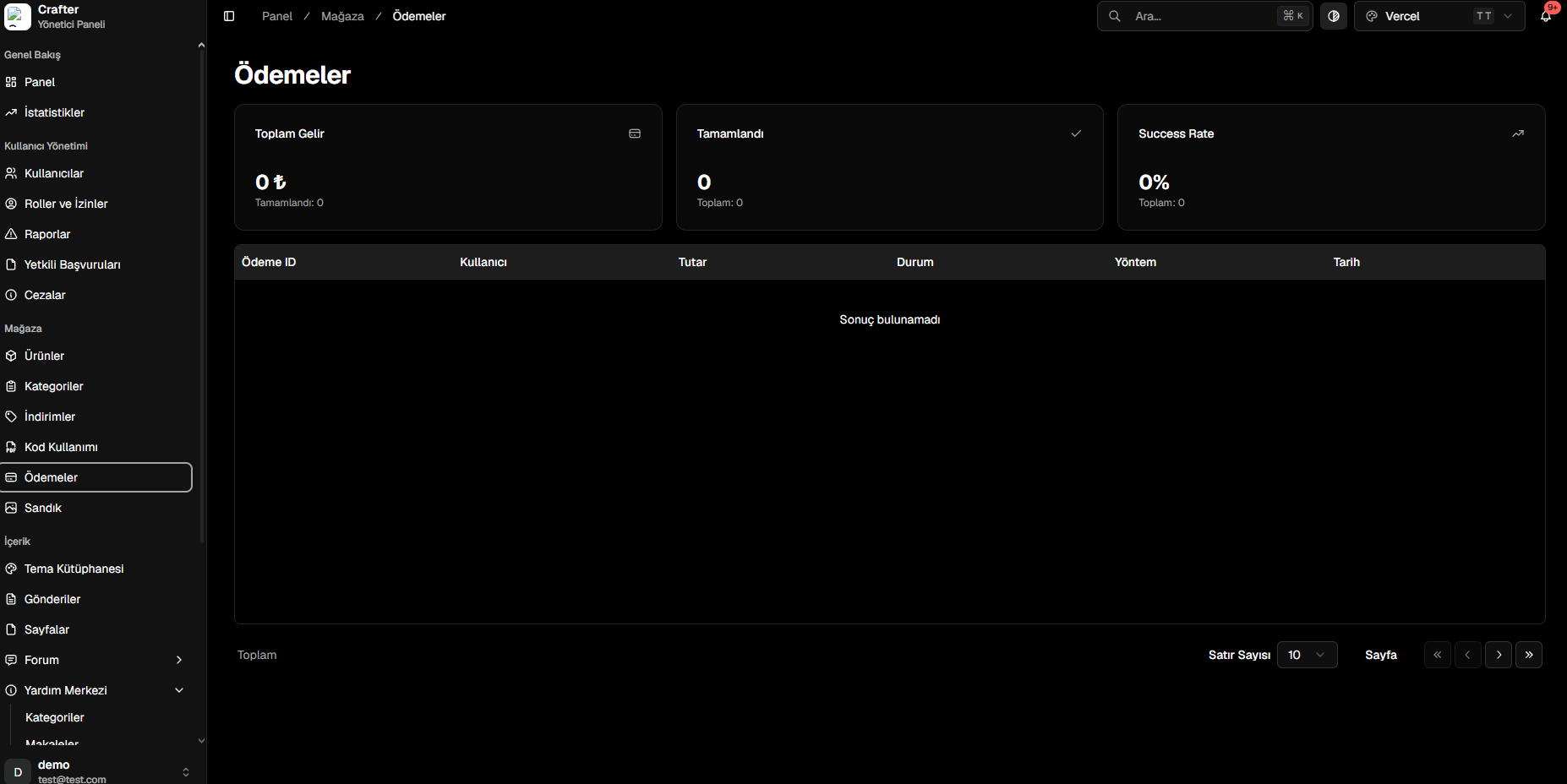
Payments & Financial Analytics Dashboard
Key Financial Indicators (KPIs)
- Total Revenue: Gross earnings from completed transactions.
- Completed Orders: Total volume of successfully processed checkouts.
- Success Rate: Percentage ratio of successful payments versus attempted checkouts.
Transaction Log Table
Every checkout attempt is logged with technical parameters:- Payment ID: Unique transaction identifier.
- User: Account username.
- Amount: Currency volume paid.
- Status: State (Completed, Pending, Failed).
- Method / Provider: Payment gateway (Credit Card, Shopier, PayTR, Stripe, etc.).
- Timestamp: Precise completion date and time.