
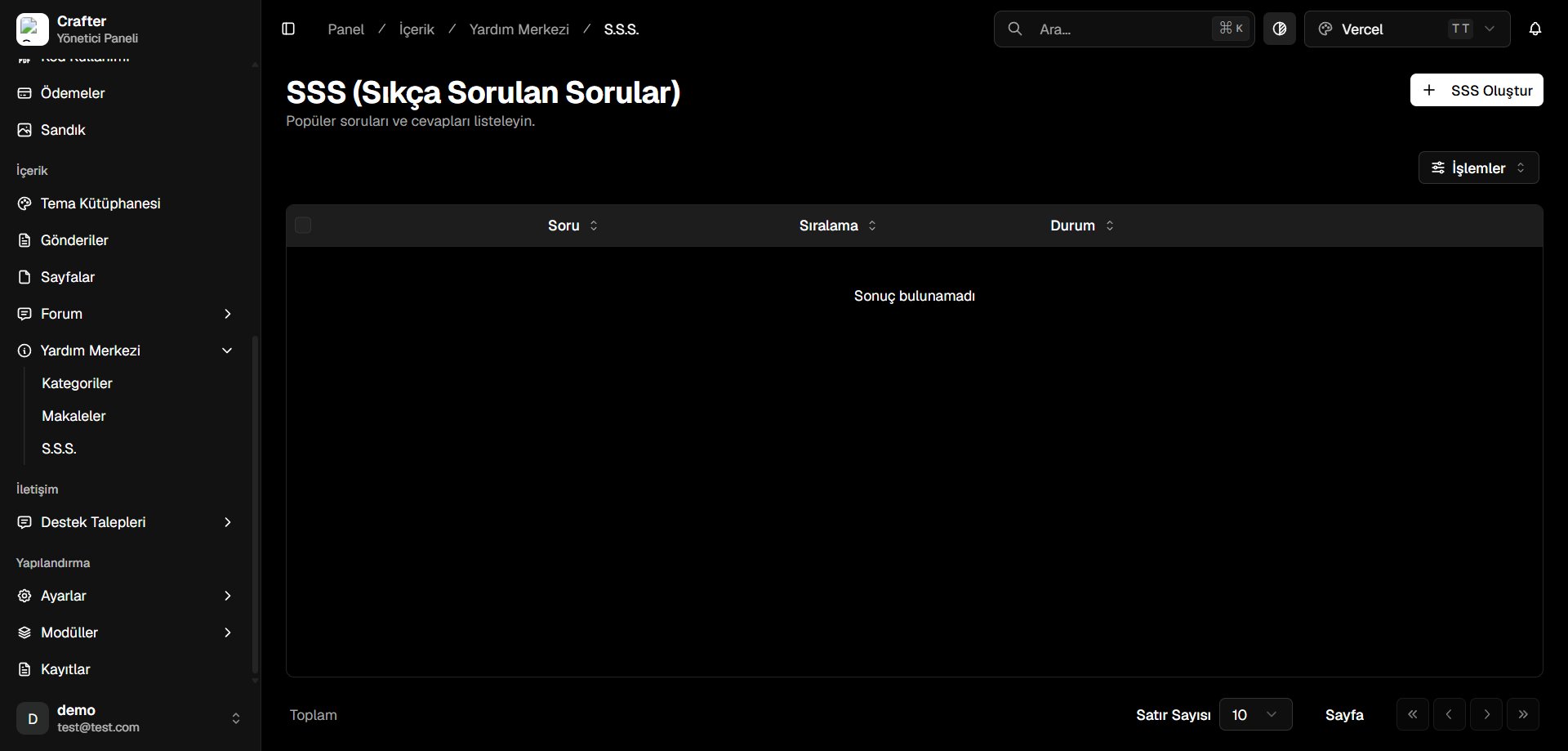
FAQ Management Interface
Creating an FAQ Entry
1
Open FAQ Creator
Click + Create FAQ in the top right corner.
2
Enter Question & Answer
- Question: Short, clear inquiry prompt (e.g., When will my VIP rank activate after payment?).
- Answer: Detailed solution text with formatting.
- Sort Order: Numerical position index.
- Active: Publish toggle.
3
Save
Click Save to publish the entry.
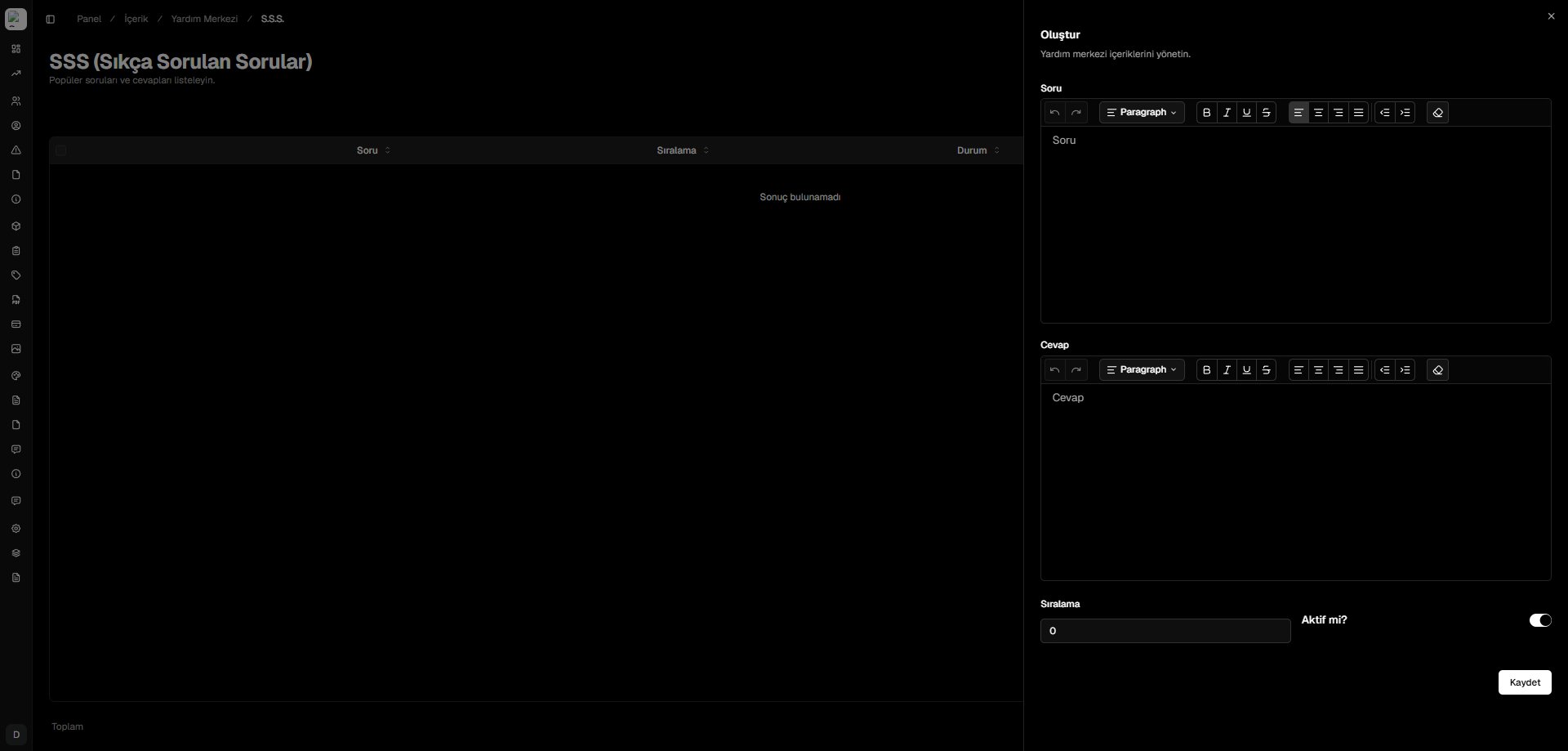
FAQ Creator Drawer