
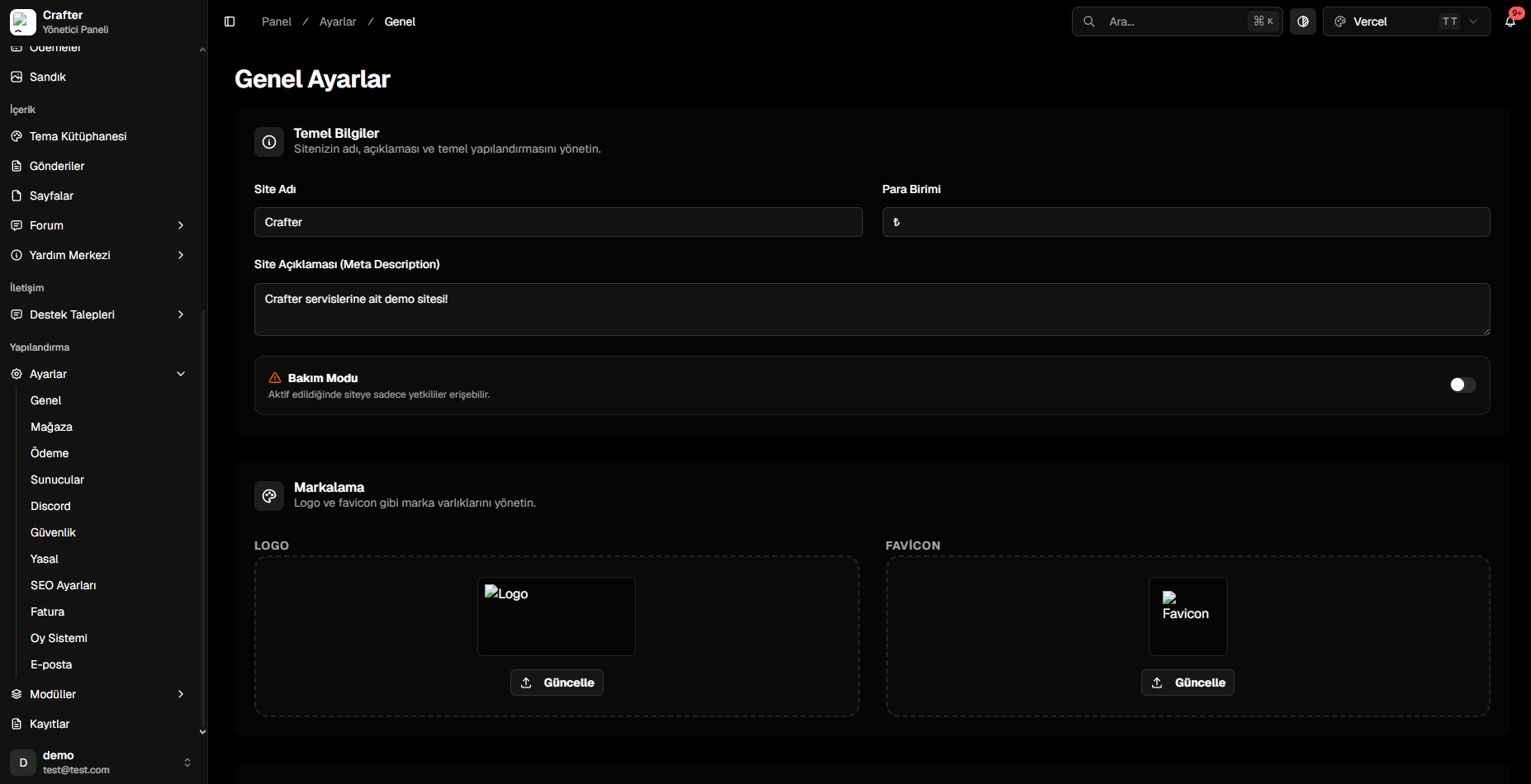
General Settings Panel
1. Core Identity & Currency
- Site Name: Title displayed on browser tabs, search engine results, and email receipts (e.g.,
Crafter Network). - Currency Symbol: Primary monetary symbol used throughout the store, cart, and top-up modules (e.g.,
$,€,₺). - Site Description (Meta Description): Brief tagline summary for search engines and social card previews.
2. Maintenance Mode
Use Maintenance Mode when upgrading themes, editing servers, or performing backend migrations:- Maintenance Mode (Toggle): Flip the switch on to lock down the frontend, or toggle off to restore public access instantly.
3. Brand Assets (Logo & Favicon)
1
Upload Site Logo
Click Update on the LOGO card to select your primary brand logo shown in theme headers and notification emails.
2
Upload Favicon
Click Update on the FAVICON card to upload a square icon (
.png or .ico) for browser tabs and mobile bookmarks.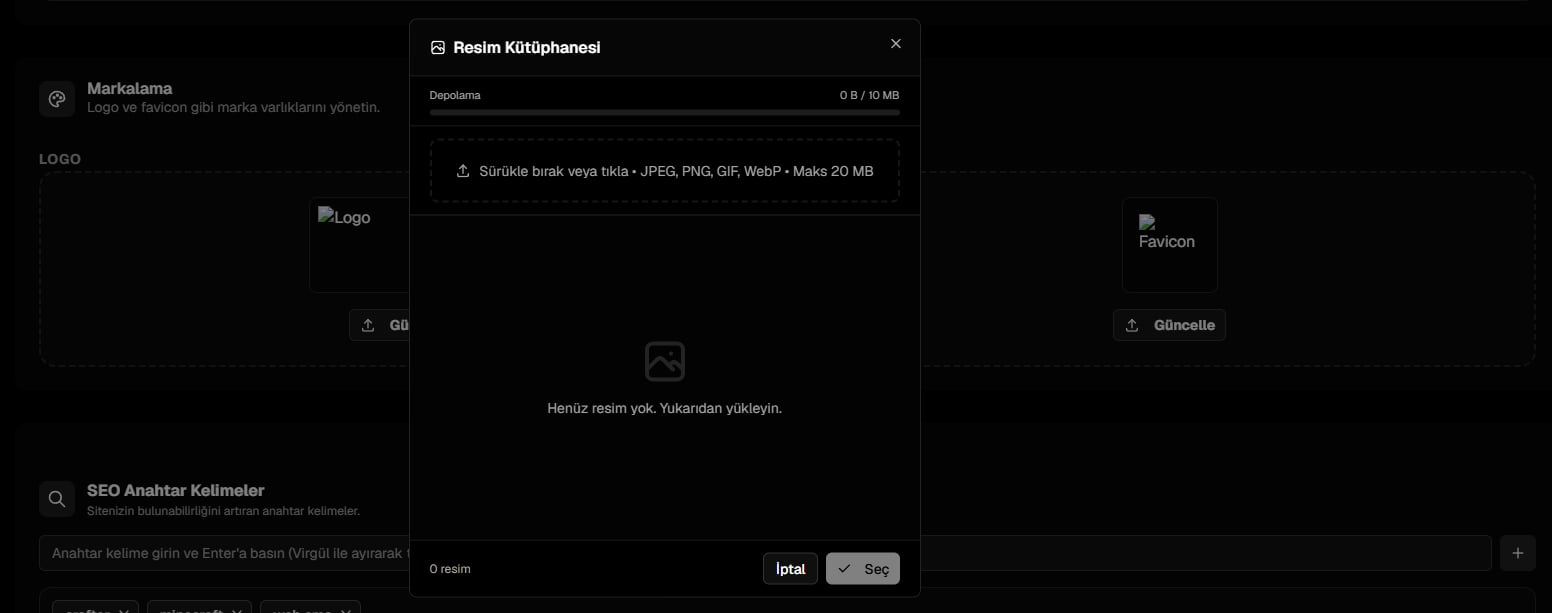
Branding, Logo and Favicon Settings