
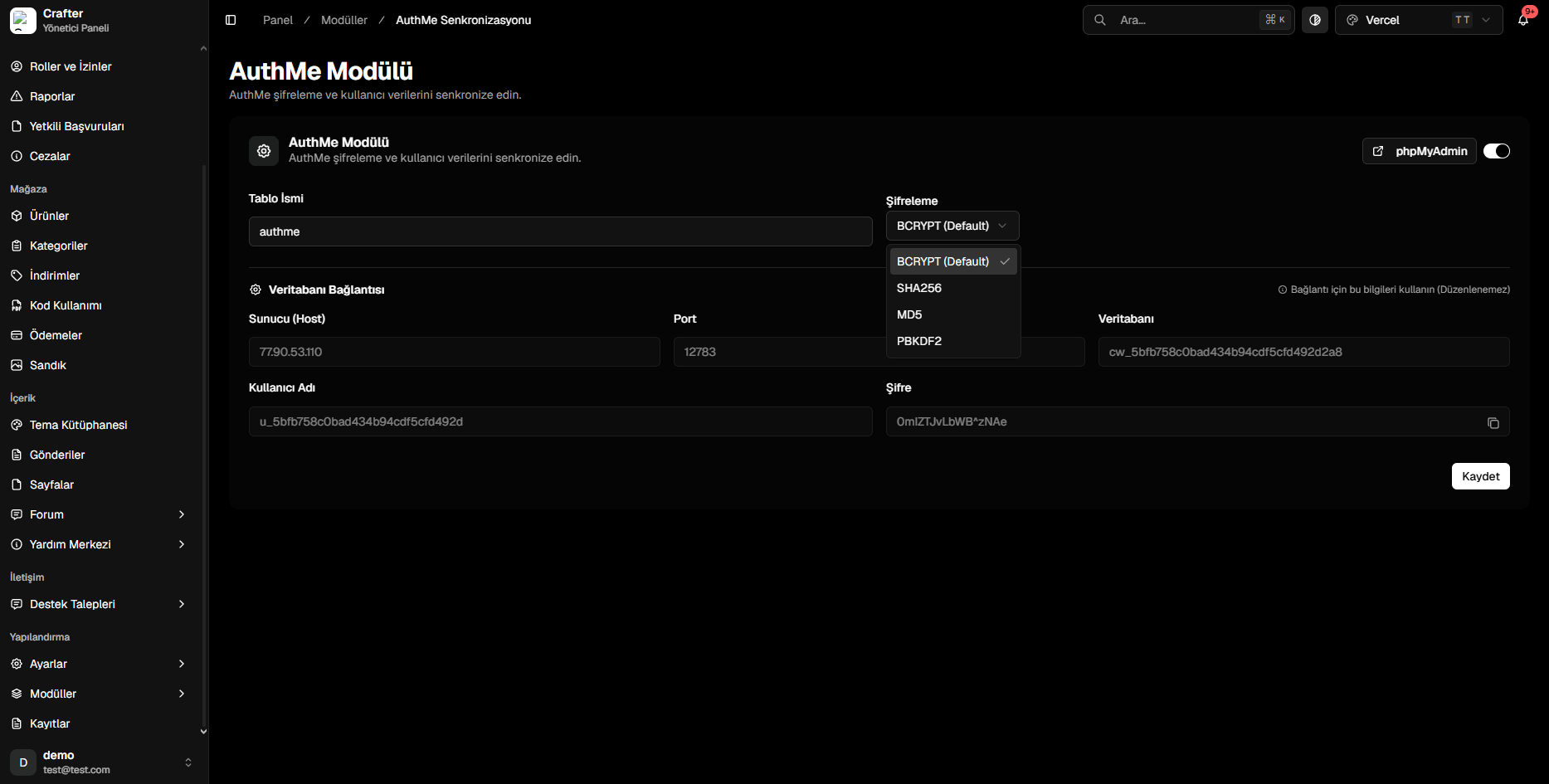
AuthMe Module Configuration Interface
Setup & Configuration
1
Enable Module
Toggle on the module switch in the top right corner.
2
Select Password Hashing Algorithm
- Table Name: Table identifier (default:
authme). - Password Hash: Choose
BCRYPT(Recommended).
3
Update AuthMe config.yml
Configure MySQL parameters in
plugins/AuthMe/config.yml:config.yml
4
Save and Reload
Save in the dashboard and run
/authme reload on your Minecraft server.