
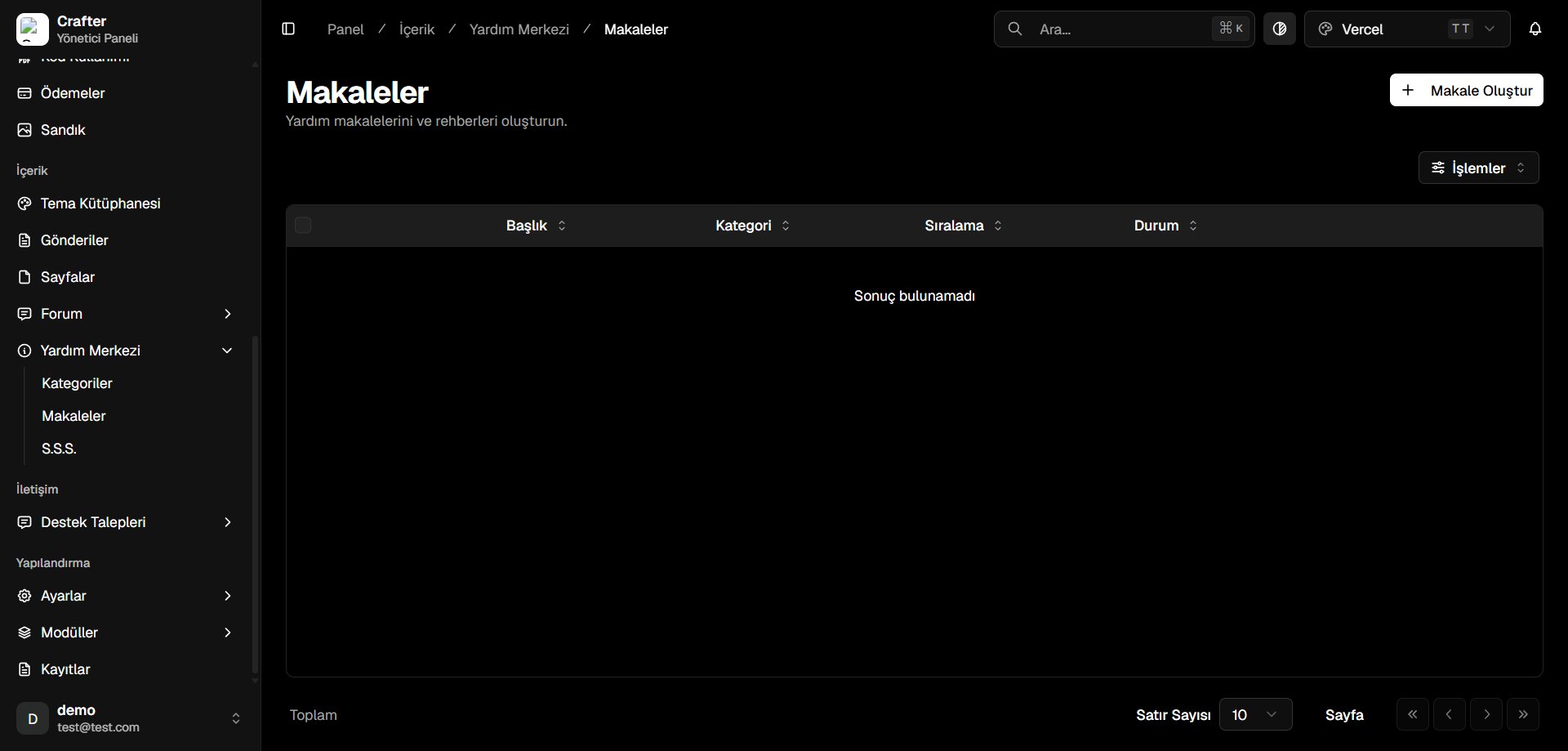
Help Center Articles Overview
Article Attributes & Management
- Title: Headline and question prompt.
- Category: Assigned parent knowledge base category.
- Sort Order: Numerical display rank within the category.
- Status: Published or Draft.
Creating an Article
1
Open Article Creator
Click + Create Article in the top right corner.
2
Configure Content & Settings
- Title: Headline (e.g., How to Secure Your Account with 2FA).
- Category: Select from the category dropdown.
- Answer: Rich text formatted walkthrough with code blocks, links, and step-by-step instructions.
- Show in FAQ: Toggle to feature this article on the quick FAQ section.
- Active: Publish status.
3
Save Article
Click Save to publish.
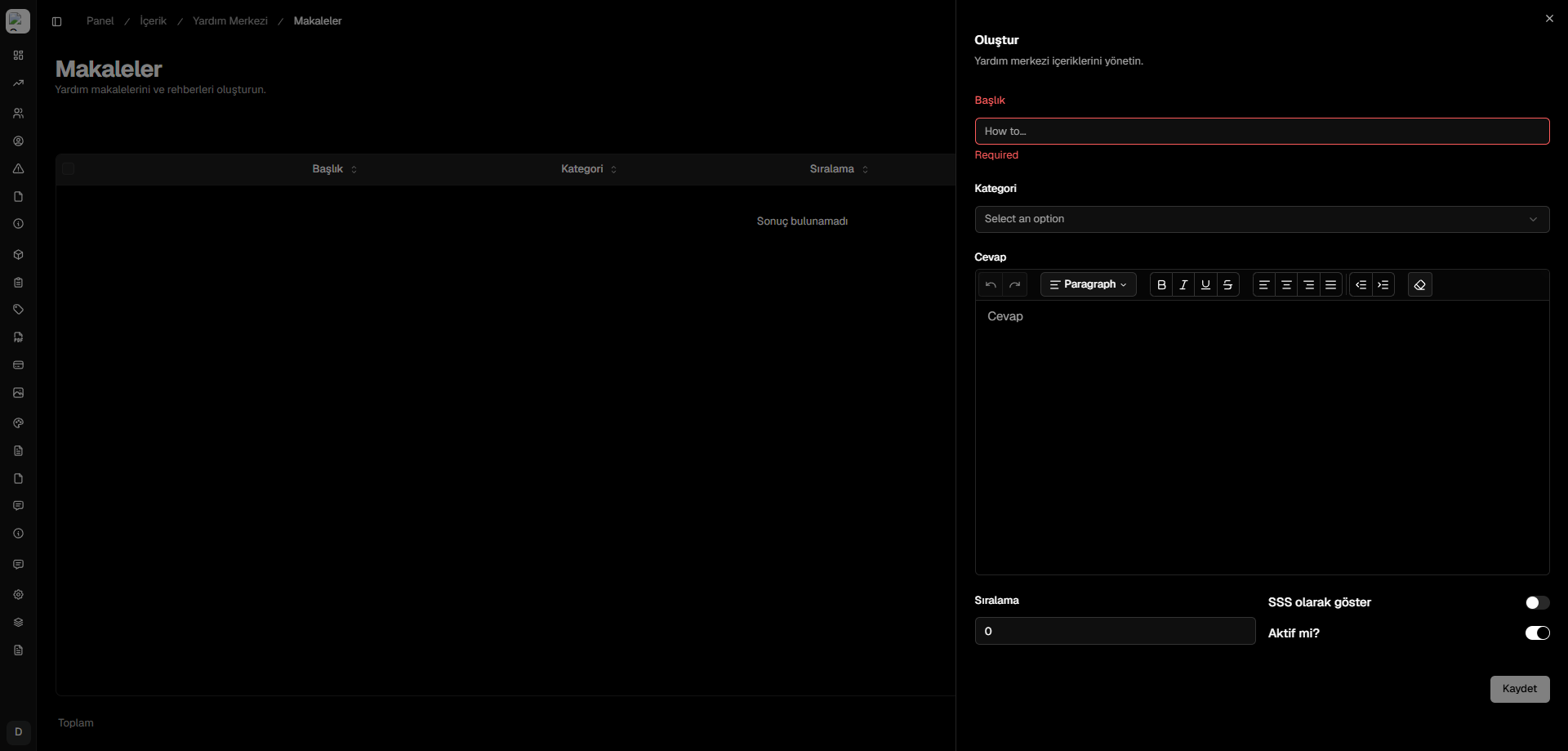
Article Creator Drawer