
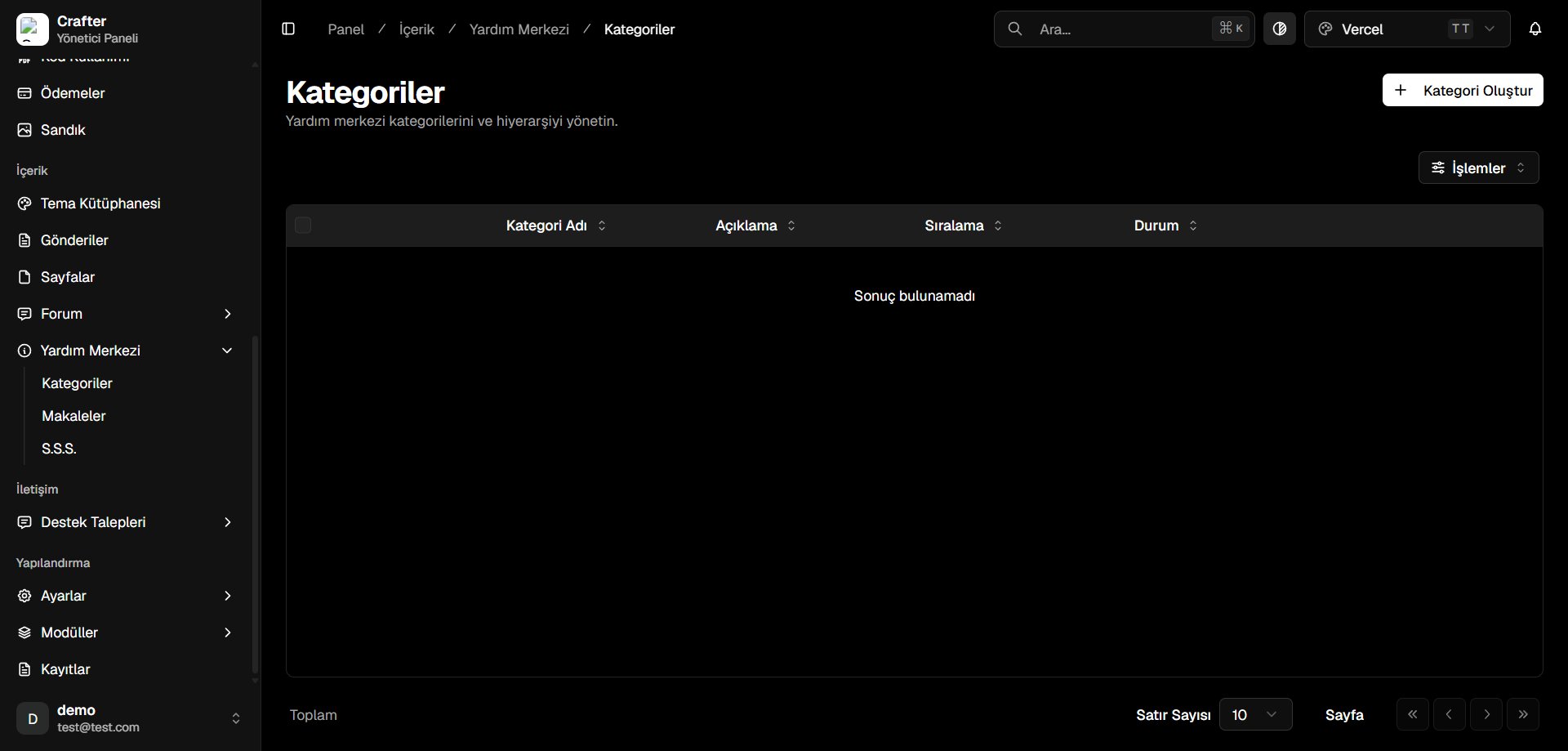
Help Center Categories Management Interface
Help Categories Table
- Category Name: Section title shown in the knowledge base.
- Description: Summary of topics covered in this category.
- Sort Order: Numerical priority index determining page position.
- Status: Active (published) or Draft (hidden).
Creating a Category
1
Open Category Creator
Click + Create Category in the top right corner.
2
Configure Metadata
- Category Name: Title (e.g., Account & Security, Store & Billing).
- Icon (Tabler): Tabler icon identifier (e.g.,
IconHelp,IconShield,IconCreditCard). - Description: Brief overview of the category scope.
- Sort Order: Display order (e.g.,
0,1,2). - Active: Publish toggle.
3
Save
Click Save to publish the category.
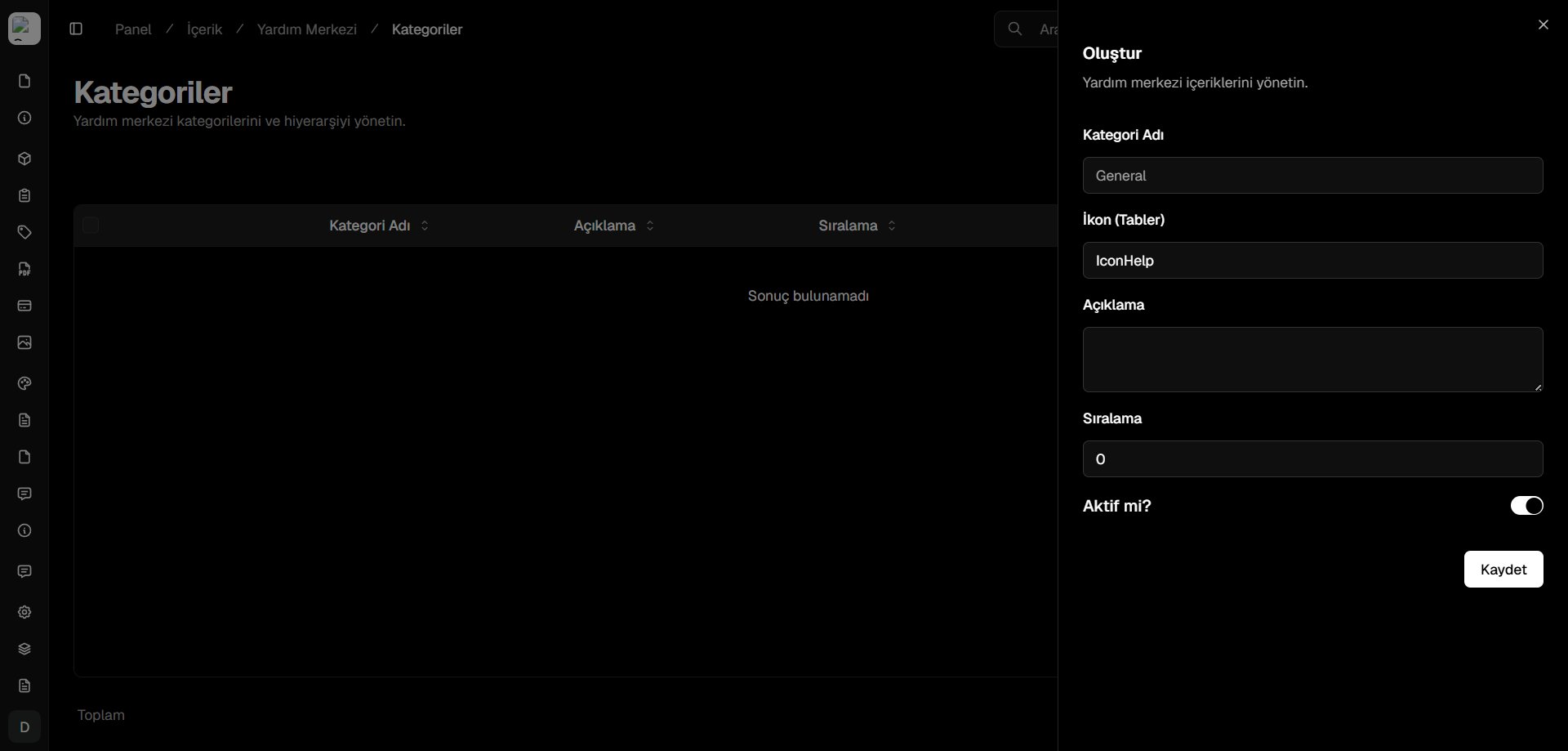
Help Center Category Creator Drawer