
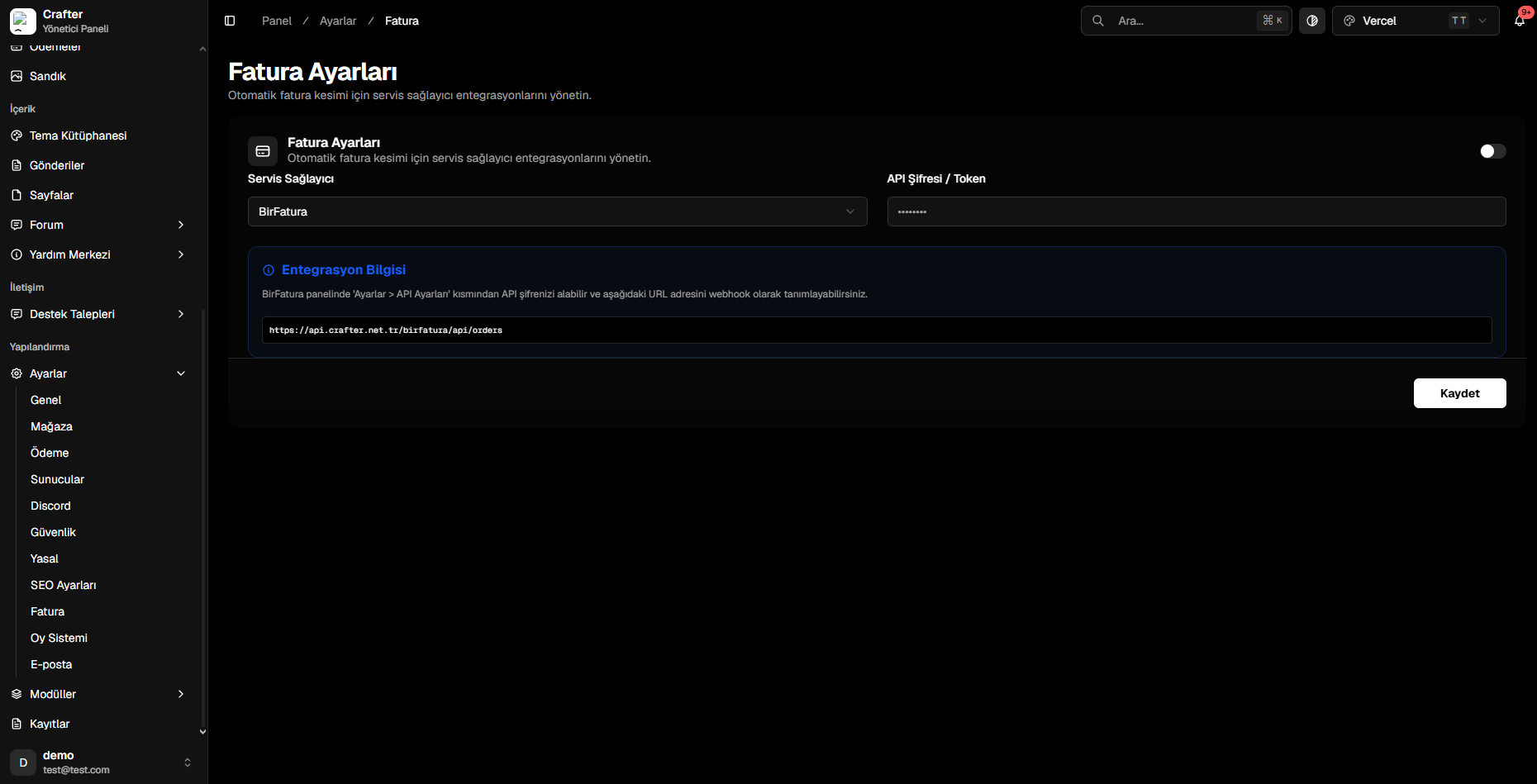
Invoicing & BirFatura Setup Interface
Setup & Configuration
1
Enable Invoicing Service
Toggle on the invoice service switch in the top right corner.
2
Select Service Provider
Choose
BirFatura from the provider dropdown.3
Paste API Token
Copy your secret API Token from your BirFatura dashboard and paste it into the API Password / Token field.
4
Configure Webhook Endpoint
Add the Crafter dispatch webhook URL to your provider panel:
5
Save
Click Save to activate automatic billing.